




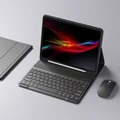
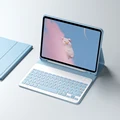
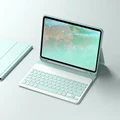
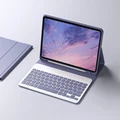
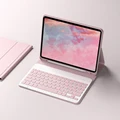
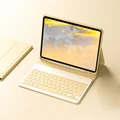
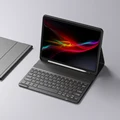


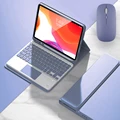

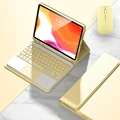
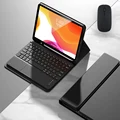
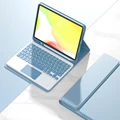
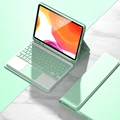
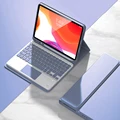

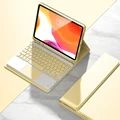
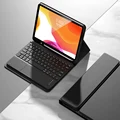
📶 Transform Your iPad Experience with Our Wireless Keyboard and Mouse Combo
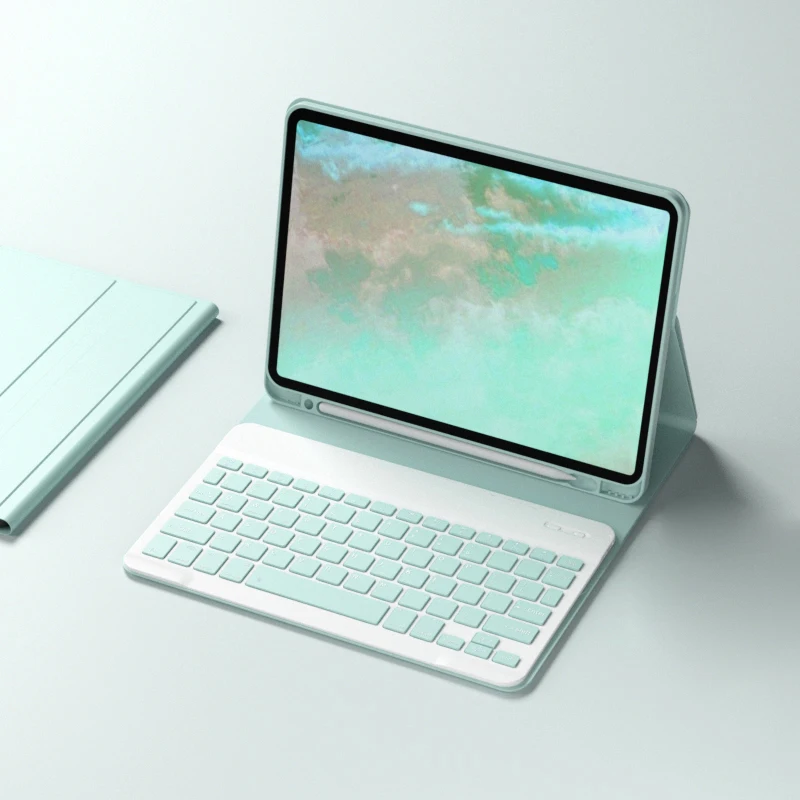
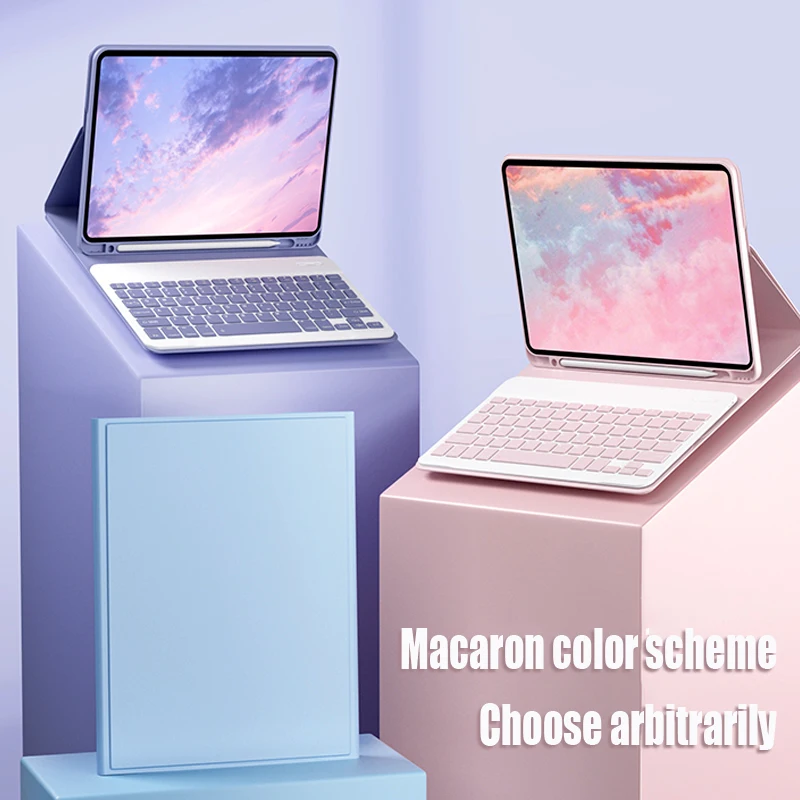
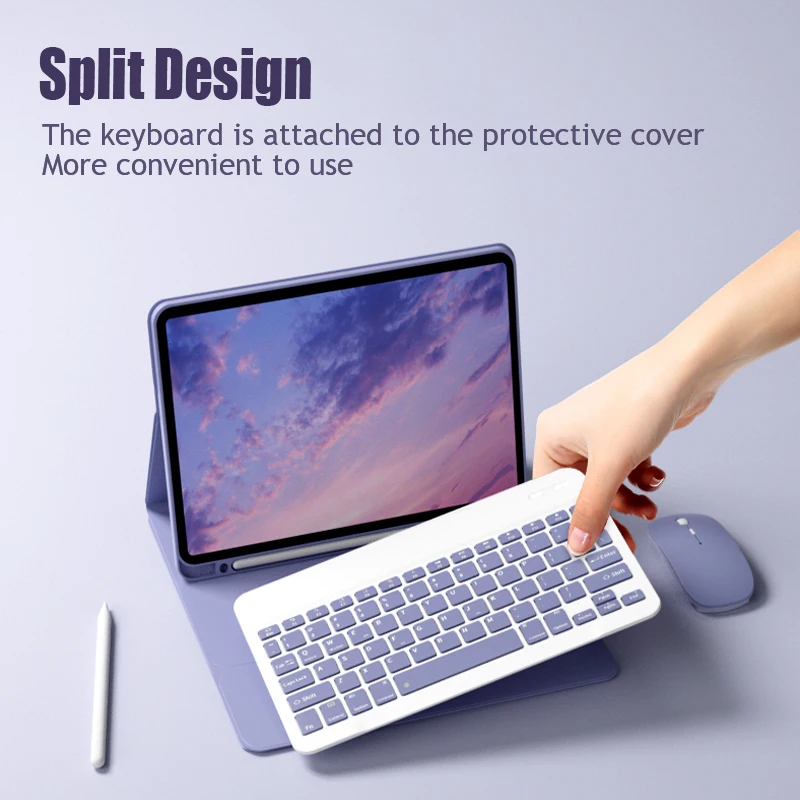
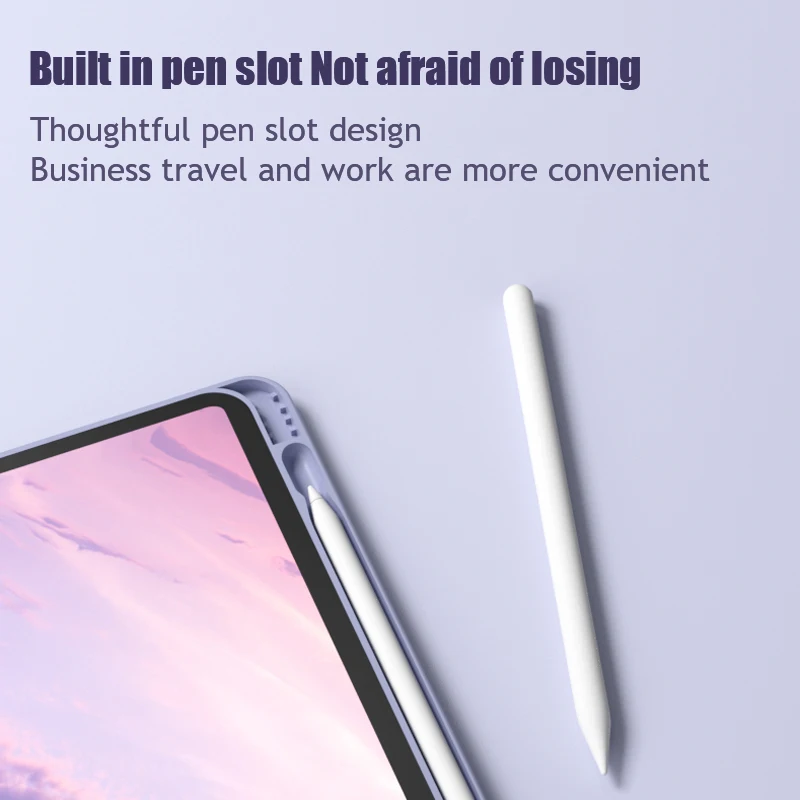
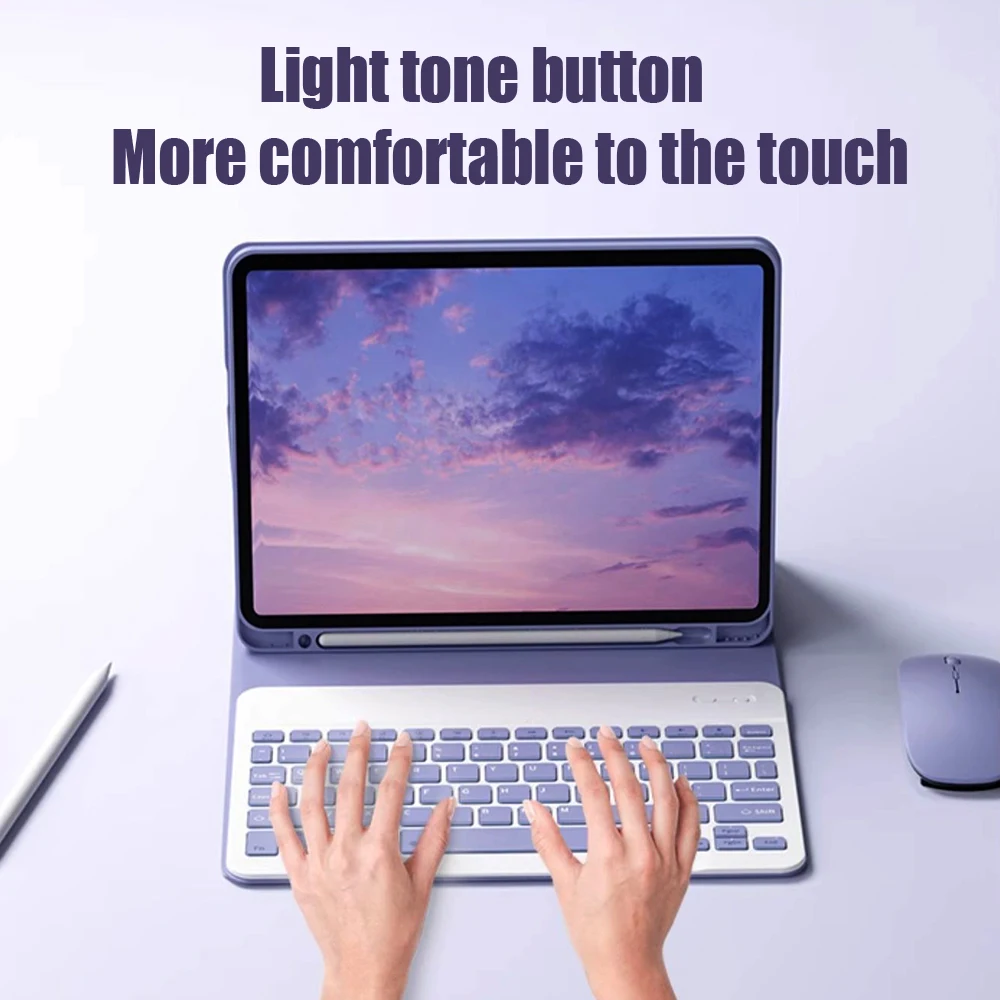
🪞 Enhance your productivity and elevate your iPad Pro or Air experience with our state-of-the-art wireless keyboard and mouse combo. Crafted specifically for the latest iPad models, including Pro 11", Pro 13", and Air 10.2", this sleek and versatile case houses an advanced Bluetooth keyboard and a dual-mode wireless mouse, designed to cater to all your typing and navigation needs.
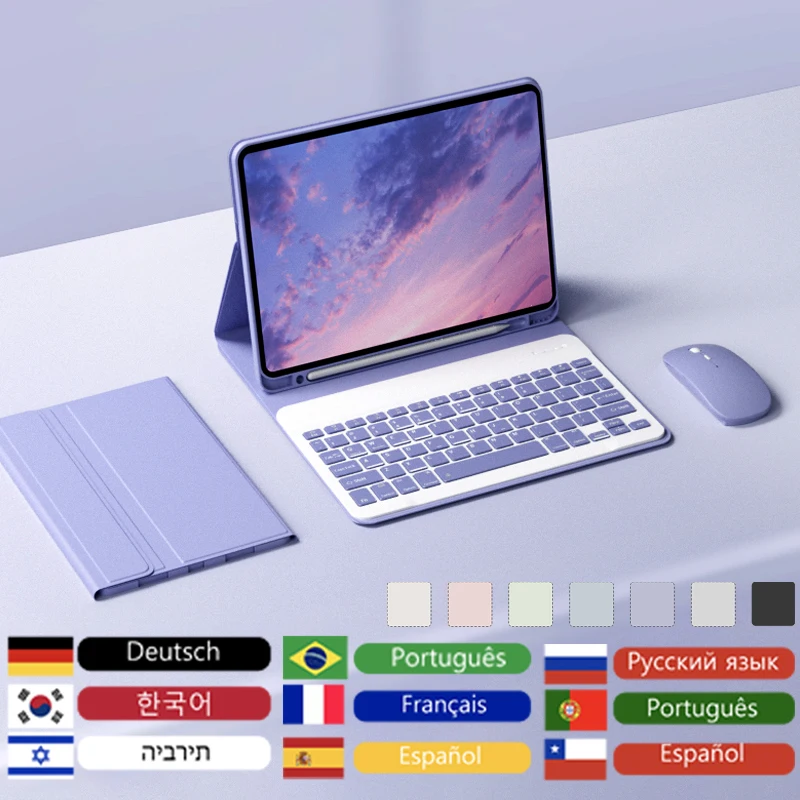
🧩 Customizable Language Options
⚡ Our keyboard provides an English layout by default, but we understand the importance of comfort in your native language. We offer a variety of multi-language keyboard options, which are available upon request. Users from Russia, Spain, Chile, Mexico, Colombia, Peru, Saudi Arabia, Brazil, Portugal, Israel, France, Italy, Korea, and Germany can opt for their corresponding keyboard layouts. Simply inform us of your preference when placing your order.
🔵 Effortless Bluetooth Connectivity
Connecting your keyboard and mouse to your iPad is a breeze. Follow these four simple steps to open a new era of office productivity:
🔘 Dual Mode Wireless Mouse
📶 Our dual-mode mouse operates on both Bluetooth and a 2.4GHz wireless USB connection, allowing you to switch effortlessly between two devices with a click. To optimize your iPad experience, ensure you activate "Assistive Touch" by going to Settings > Accessibility > Assistive Touch.
Technical Specifications
Keyboard:
🔋 Mouse:
📶 Convenient Multi-Function Shortcut Keys
⚙️ Designed for efficiency, our keyboard features multi-function shortcut keys that allow you to operate your iPad with reduced effort. Use basic key combinations such as FN + E to switch the system, FN + Space to toggle between Chinese and English input, and Caps Lock for case switching.
📶 For users requiring various language inputs like Korean or Japanese, simply go to IPAD Settings > General > Keyboard > Add Keyboard to expand your options. Experience the ultimate blend of functionality, style, and flexibility with our wireless keyboard and mouse combo, and redefine how you interact with your iPad!