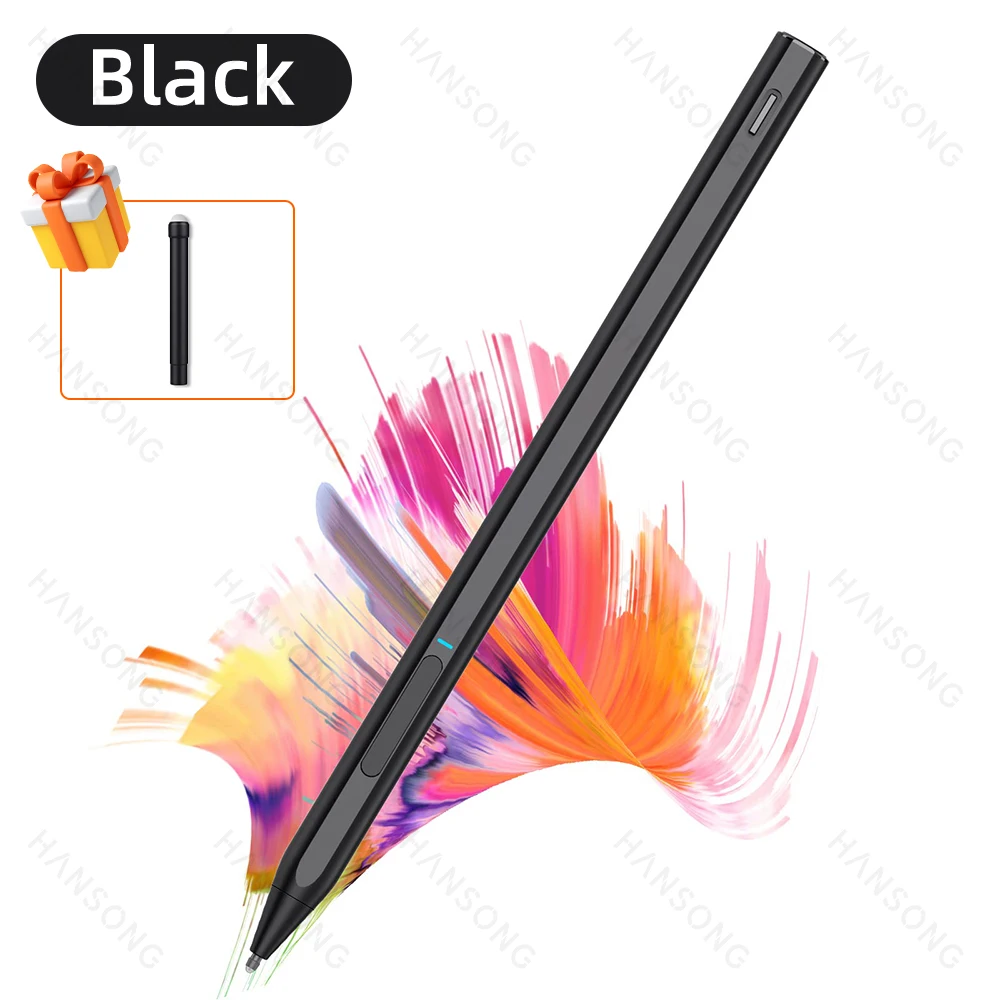
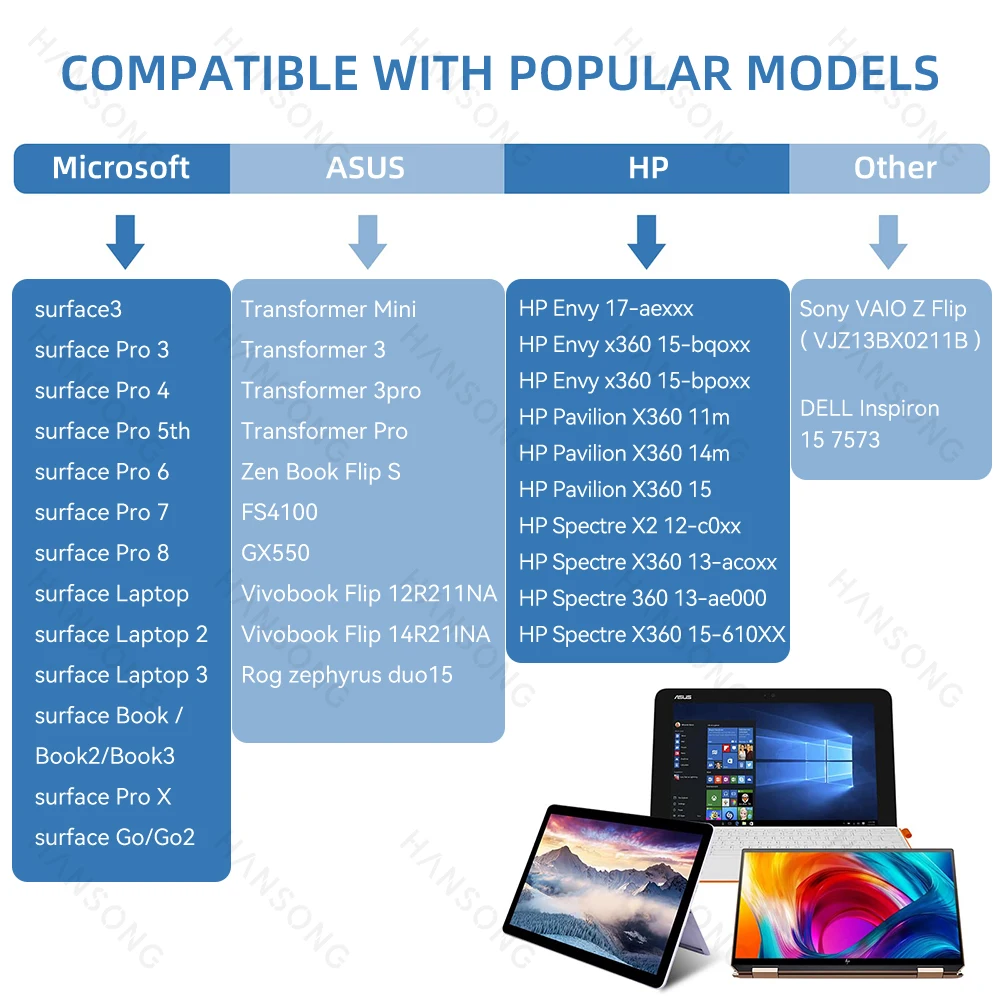
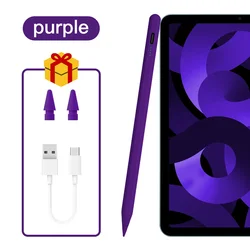
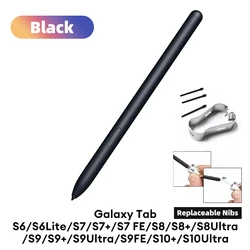
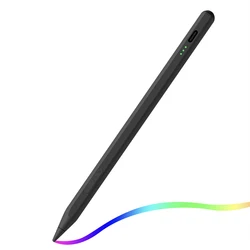
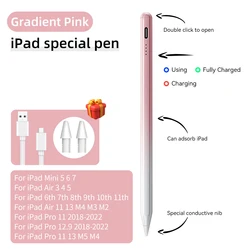
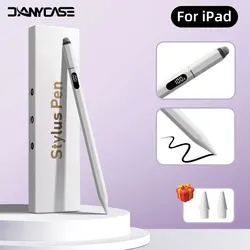
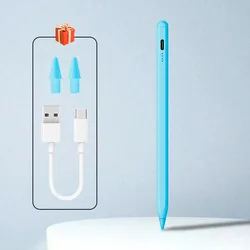
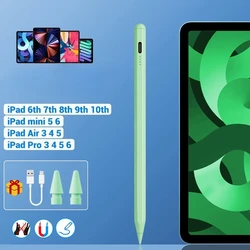
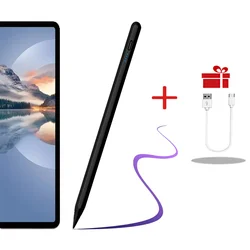
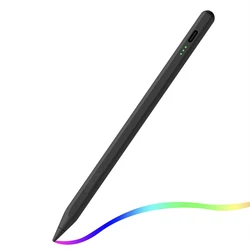
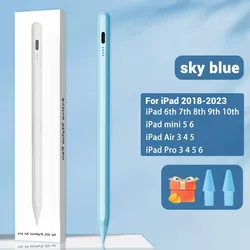
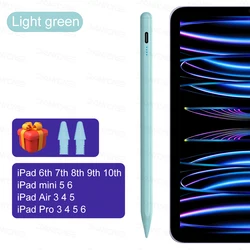
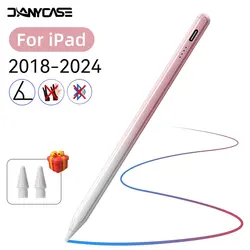
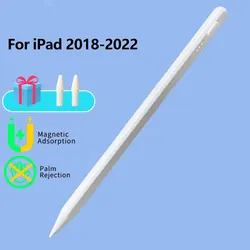
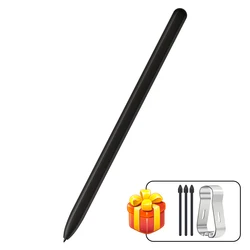
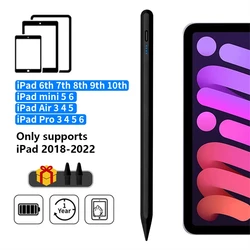
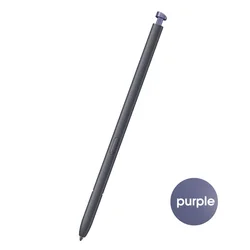
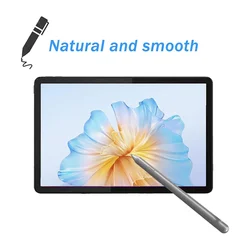
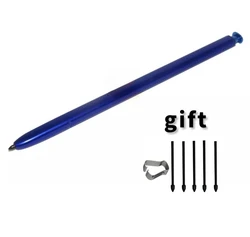
🛠️ Introducing the Microsoft Surface Pen: the ultimate accessory designed specifically for a range of Surface devices, including the Surface Pro X, Pro 9, 8, 7, 6, 5, 4, 3, Surface Book 2 and 3, Surface Laptop 2 and 3, and Surface Go 2. Engineered with advanced MPP2.0 protocol, this stylus pen offers seamless interaction with your device, making it the perfect tool for anyone who values precision in digital art, note-taking, or everyday tasks.
Packing List:
- Stylus Pen for Surface x 1
- Replaceable Pen Tip x 1
- Manual x 1
🔧 Key Features:
- Enhanced Palm Rejection: The Surface Pen has been meticulously engineered to detect and ignore your palm's touch while writing, allowing for a natural and comfortable user experience.
- Eraser Button: With a convenient eraser function, simply press and hold the dedicated button to erase mistakes with ease, just like a traditional pencil.
- POP-UP Button: A quick press of the pop-up button activates the pen, allowing you to swiftly begin writing or drawing without any delay.
- Sophisticated Tilt and 4096 Pressure Sensitivity: Experience an extraordinary level of control with the ability to express varying shades and line thickness based on your pressure and angle—perfect for artists and professionals alike.
- Automatic Power Management: The stylus features an intelligent power-saving mode that automatically turns off after 30 minutes of inactivity, prolonging the battery life.
- Magnetic Attachment: Conveniently attach your Surface Pen to your tablet for easy storage and quick access whenever you need it.
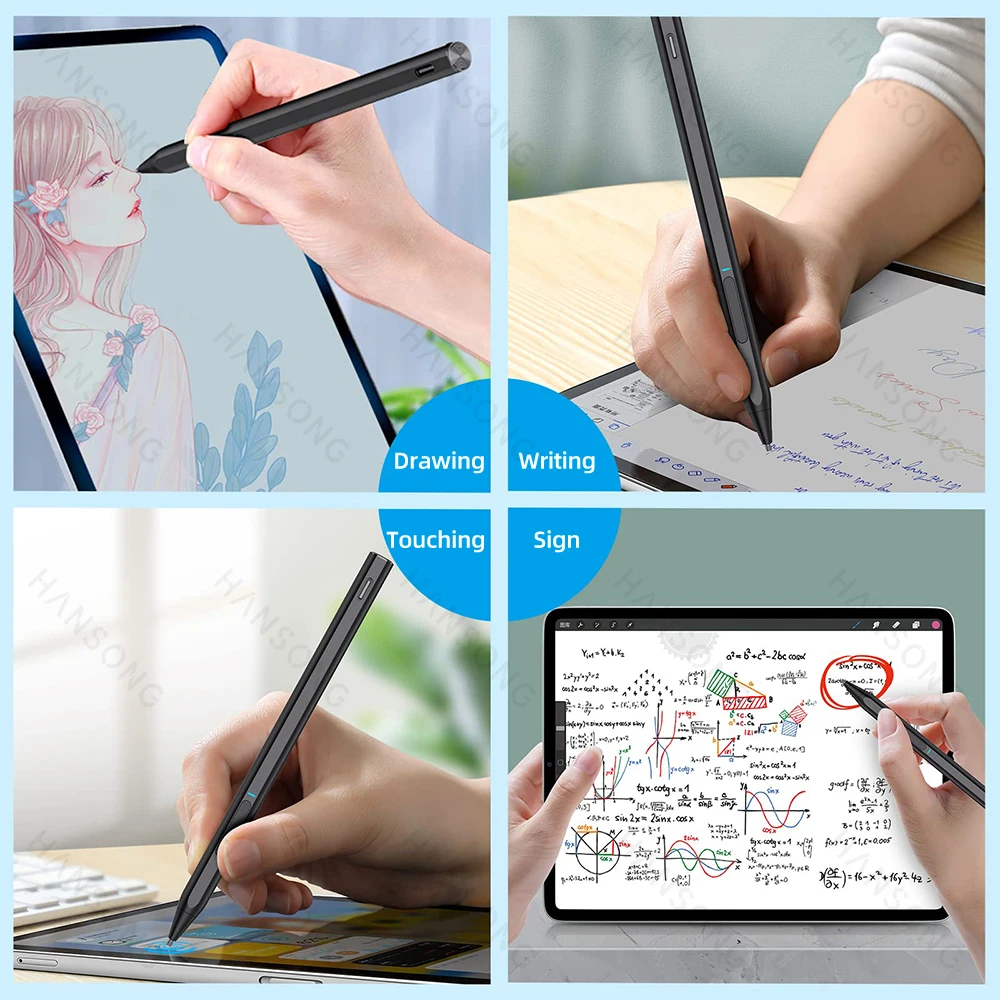
- Versatile Functionality: Whether you're drawing, writing, touching, or signing, the Surface Pen enhances your creative possibilities across multiple applications.
🔘 Usage Note: If you experience any issues with the pen not writing properly, we recommend downloading the Surface Diagnostic Toolkit from the Microsoft website to run a diagnostic test. Additionally, ensure that your device is updated to Windows 10 or higher for optimal performance. Always confirm compatibility with your specific Surface model before making your purchase.