Telefonfall
Laddare och kablar
Spelande
Prylar
Fodral för surfplattor och iPad
Ditt konto
Språk
Företag
Telefondata
Kontakta oss
4.1 Google Shopping Betyg Över 2 miljoner kunder sedan 2013 Baserad i Europa Gratis leveransorder över €20+

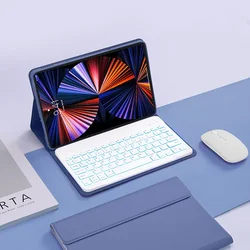
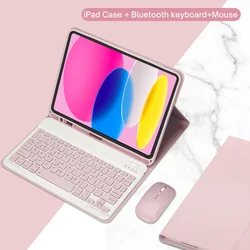
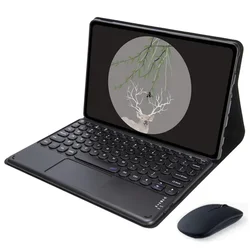
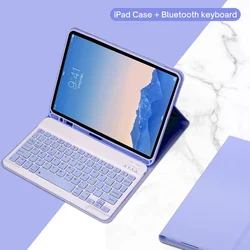
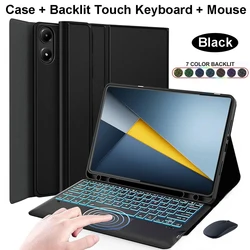
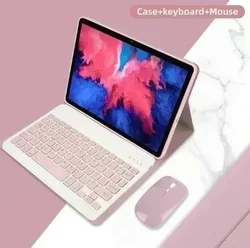
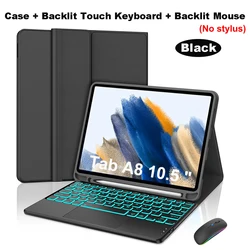
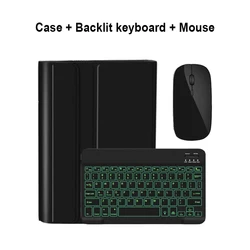
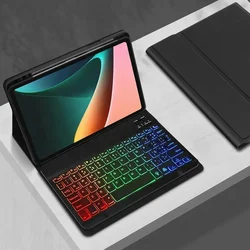
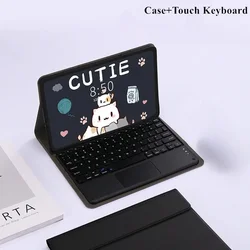
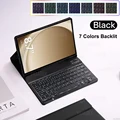
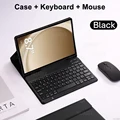
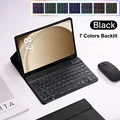
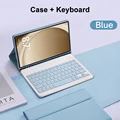
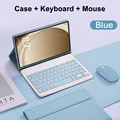
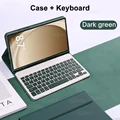
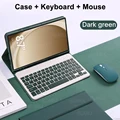
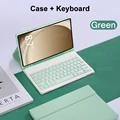
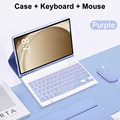
Premium Keyboard Case for Samsung Galaxy Tab A9 - 8.7 Inch (Black B)

Premium Keyboard Case for Samsung Galaxy Tab A9 - 8.7 Inch

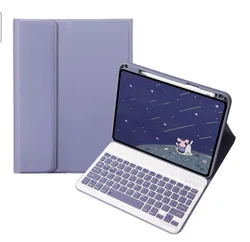
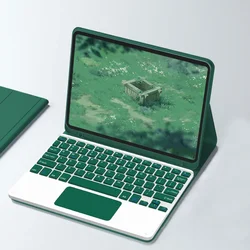
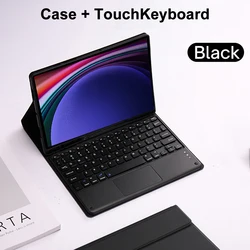
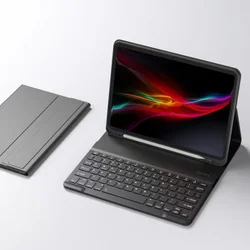
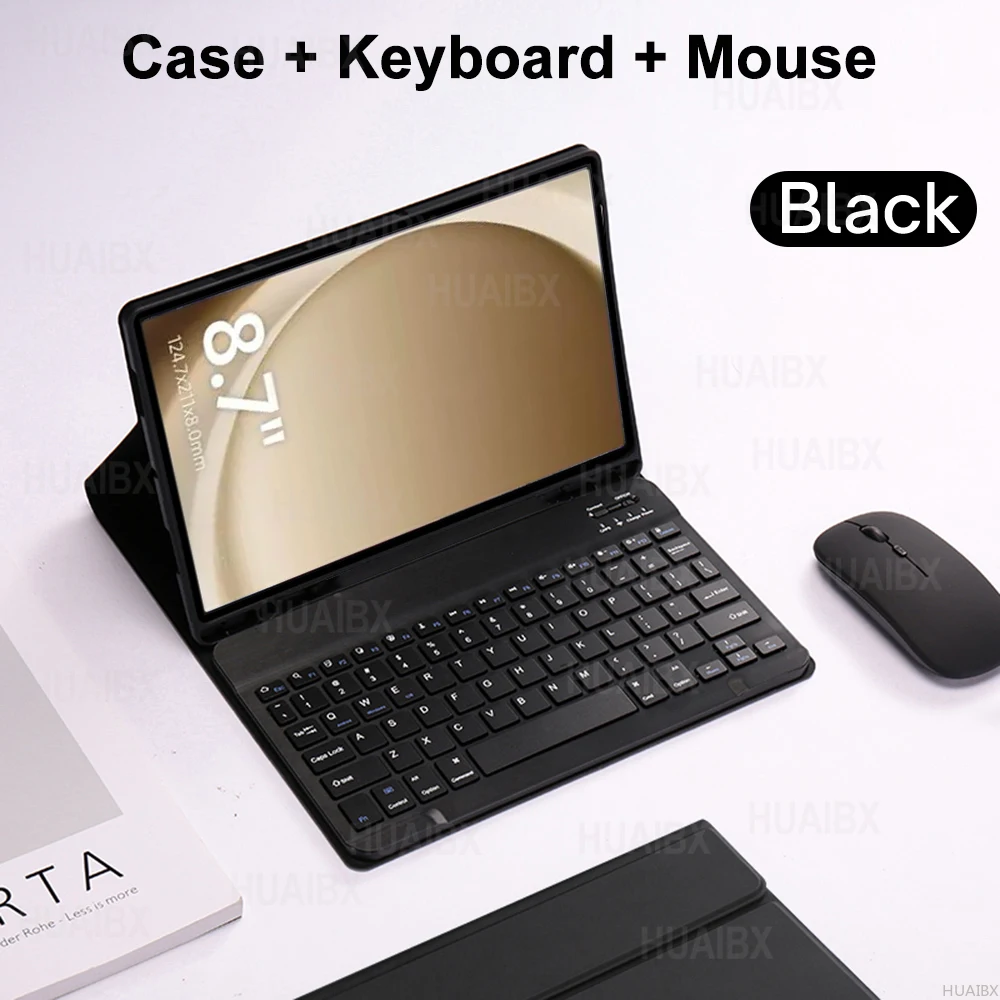
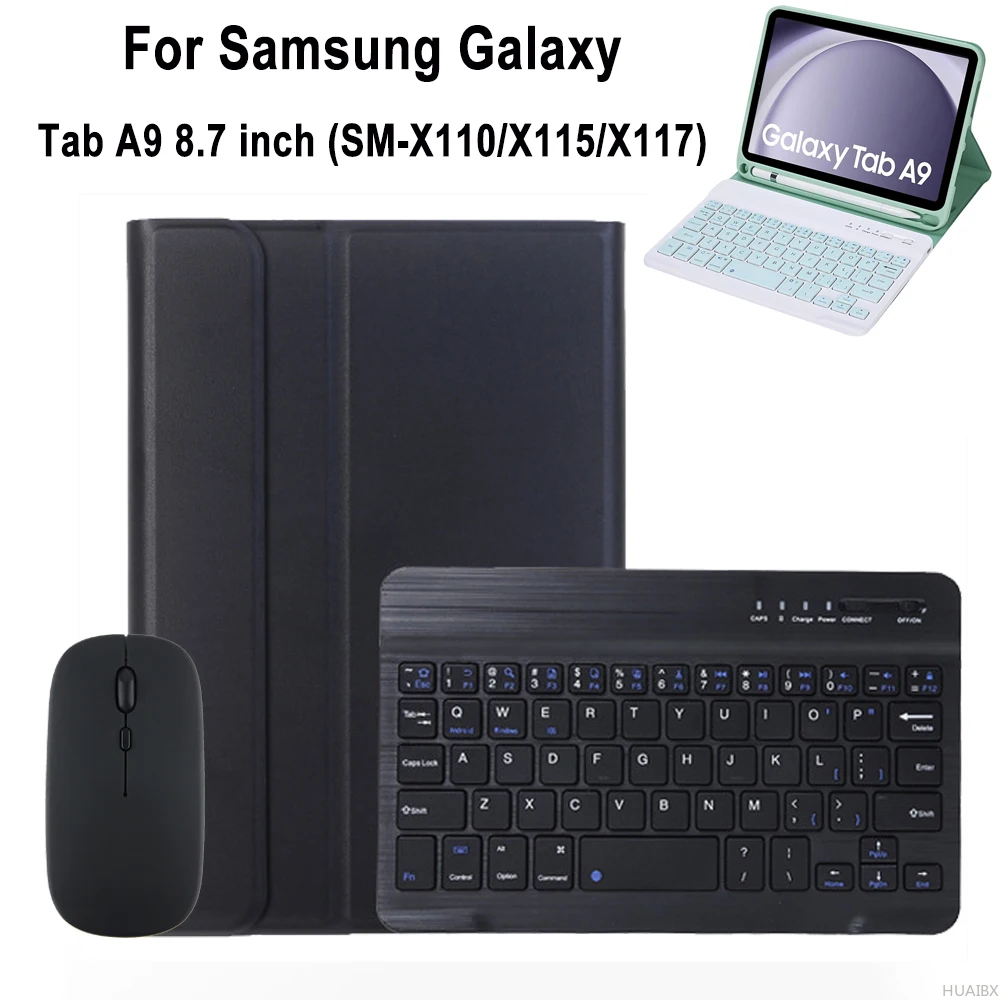
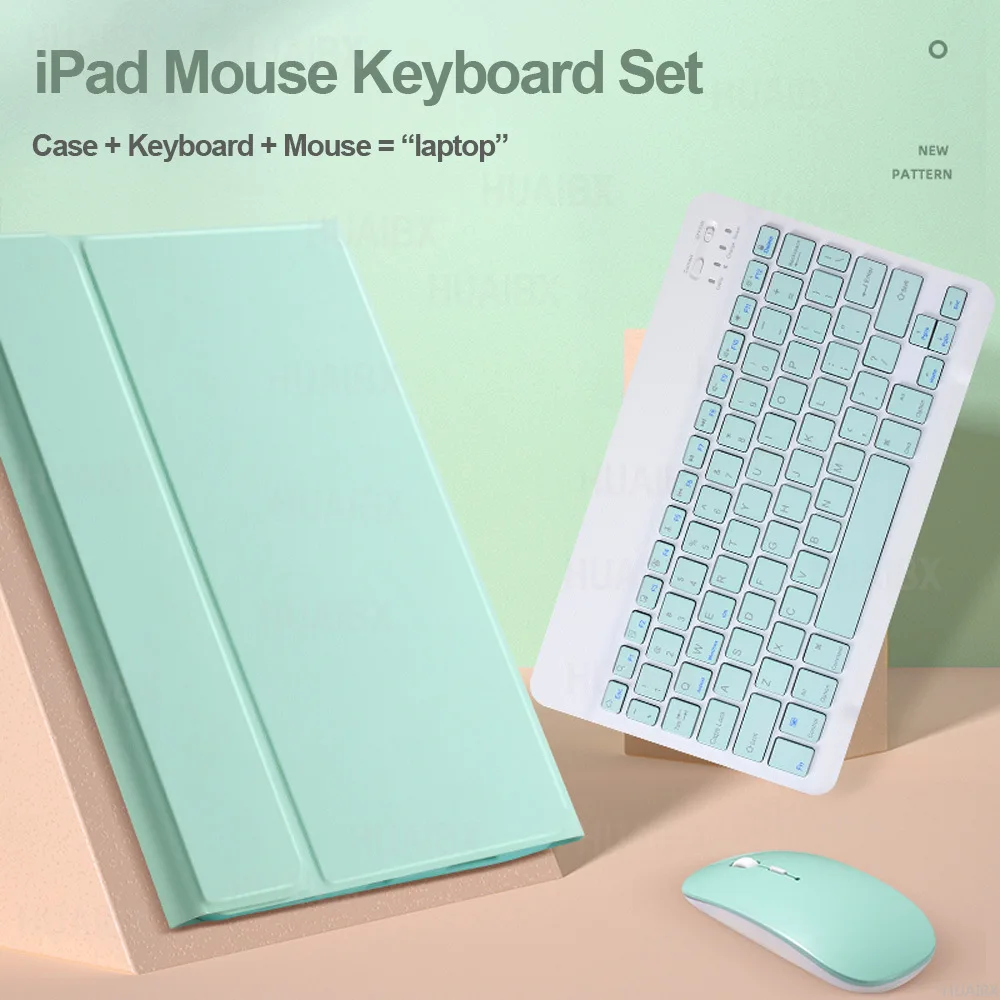
Enhanced Case and Keyboard Cover for Samsung Galaxy Tab A9 8.7 Inch

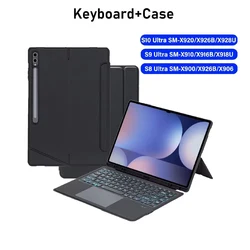
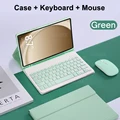
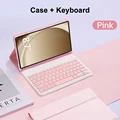
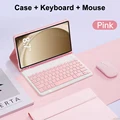
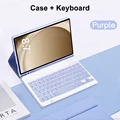
🎯 Looking for the perfect case and keyboard cover for your Samsung Galaxy Tab A9? This cover is specifically designed for the Samsung Galaxy Tab A9 models SM-X110, X115, and X117, ensuring a snug fit and optimal protection for your 8.7-inch tablet. Before making your purchase, please double-check your tablet model to avoid any compatibility issues.

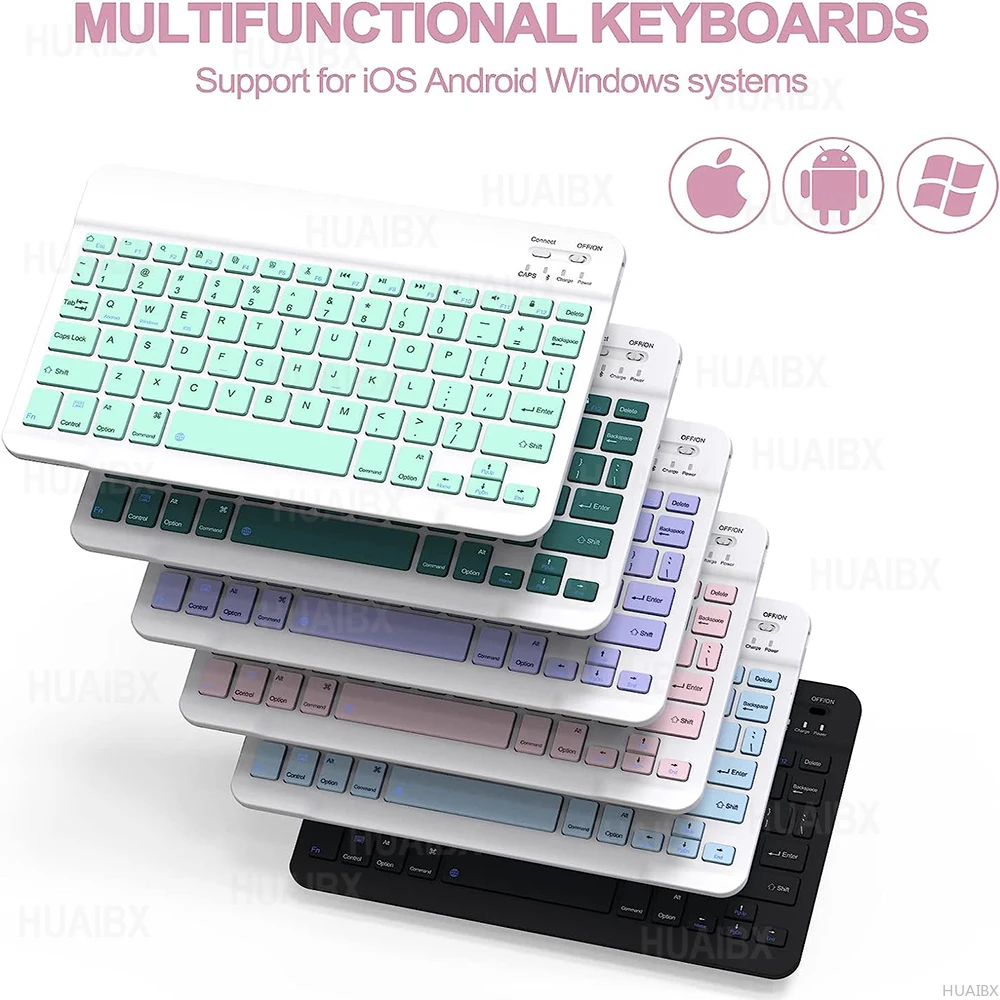
🔁 Multilingual Keyboard Options

This keyboard case offers two versions to cater to your needs:

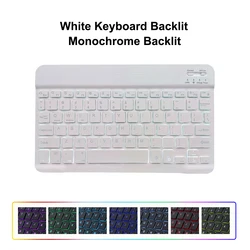
  • English Keyboard: Features only English letters.
  • Multilingual Keyboard: Includes both English and engraved language letters for versatile typing.

Important Notes

  • The digital tablet and stylus are not included in the package.
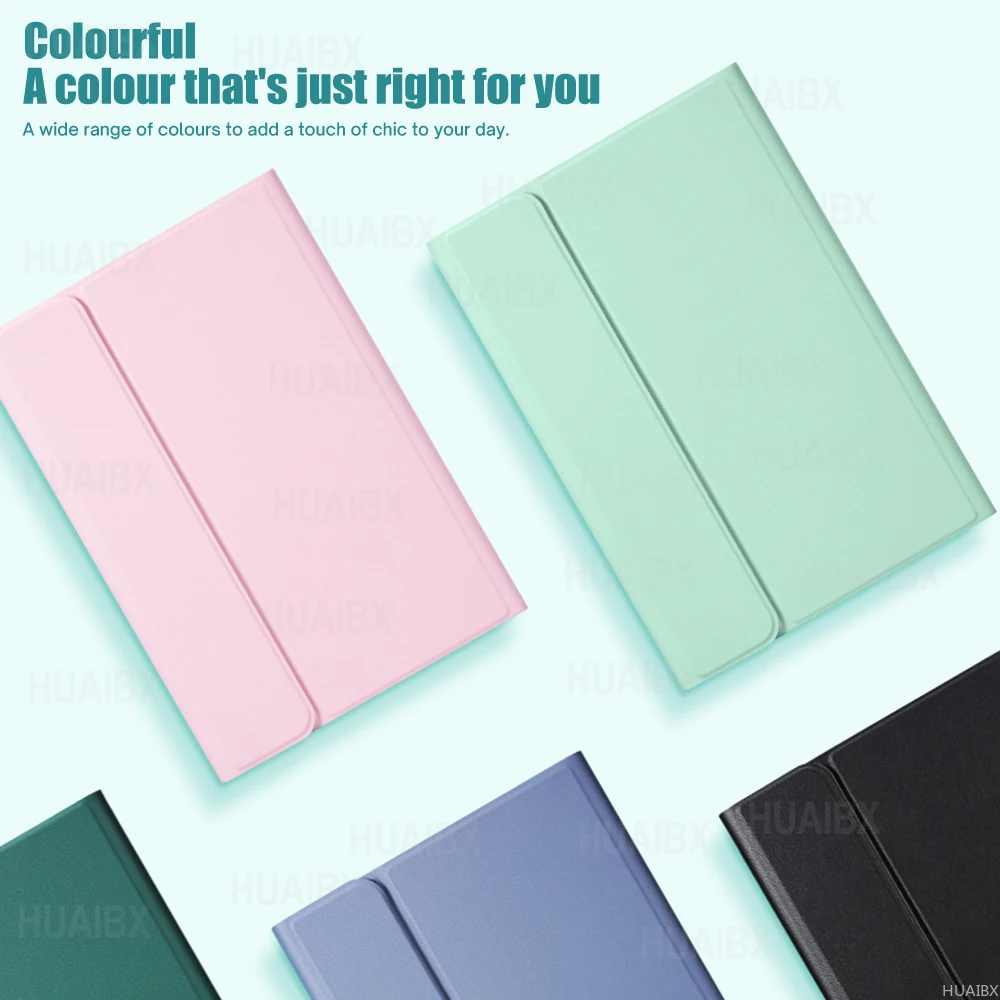
  • Product colors may vary slightly from the photos.

📦 Connecting Your Keyboard and Mouse

Follow these straightforward steps to connect your keyboard and mouse:

  1. Connect the Mouse:
    • Set the switch to the "Bluetooth" icon.
    • Find "Mouse" in your device's Bluetooth list and connect.
  2. Connect the Keyboard:
    • Switch the keyboard to "ON" in the upper right corner.
    • Press the "Connect" button and find "Keyboard" in your device's Bluetooth list.

🔘 Frequently Asked Questions (FAQs)

Q: What should I do when connecting the mouse for the first time?

🔘 A: Press and hold the left button, right button, and scroll wheel simultaneously for about 3-5 seconds.

🔵 Q: Are the scroll directions for USB and Bluetooth connections the same?

🔵 A: No, they are different. For USB, the scroll wheel direction is like a computer mouse, while Bluetooth is the opposite.

Q: How do I switch between different systems?

A: Use the following shortcuts to switch systems before connecting the tablet:

  • Fn+Q for Android
  • Fn+W for Windows
  • Fn+E for iOS

💍 Q: Why are the keyboard letters appearing messy?

A: Follow these steps to resolve the issue:

  • Ensure the keyboard language on your device is set to English.
  • Disconnect the keyboard Bluetooth, click "Ignore" on the connected device, and reconnect.
  • Reset the keyboard by pressing the L, S, and Z buttons simultaneously.

🔘 Q: How do I configure the input method for a multilingual keyboard?

🧰 A: For a Samsung tablet, navigate to "Settings" -> "System" -> "Language & input" -> "Add New Keyboard." Adjust settings accordingly for other systems.

Q: How can I change the scroll wheel direction on my device?

A: After connecting the mouse, go to "General" -> "Trackpad & Mouse" and disable "Natural Scrolling."

€45.99 I lager
Kvantitet:
Färg: Svart B Modell: Russian keyboard
Kompatibel med Russian keyboard

GRATIS LEVERANS
Delivery Fredag 25 september - söndag 27 september

€6.00 Leveransgaranti i tid

Om den här artikeln anländer efter leveransdatumet som anges i kassan kommer du att få ett e-postmeddelande med en kreditkupong på €6,00 som du kan använda vid din nästa beställning


Varför välja SDTEK?
Över 2 miljoner kunder sedan 2013
4.1 Google Shopping-betyg
Bra Trustpilot-betyg
Snabb leverans över hela världen
14 dagars, enkel retur
24-timmars kundservice
Köper du för ditt företag?
Massrabatter tillgängliga på denna produkt
Se våra kvantitetsrabatter och företagspriser

Andra fall för Russian keyboard

Visa alla Russian keyboard fall >>