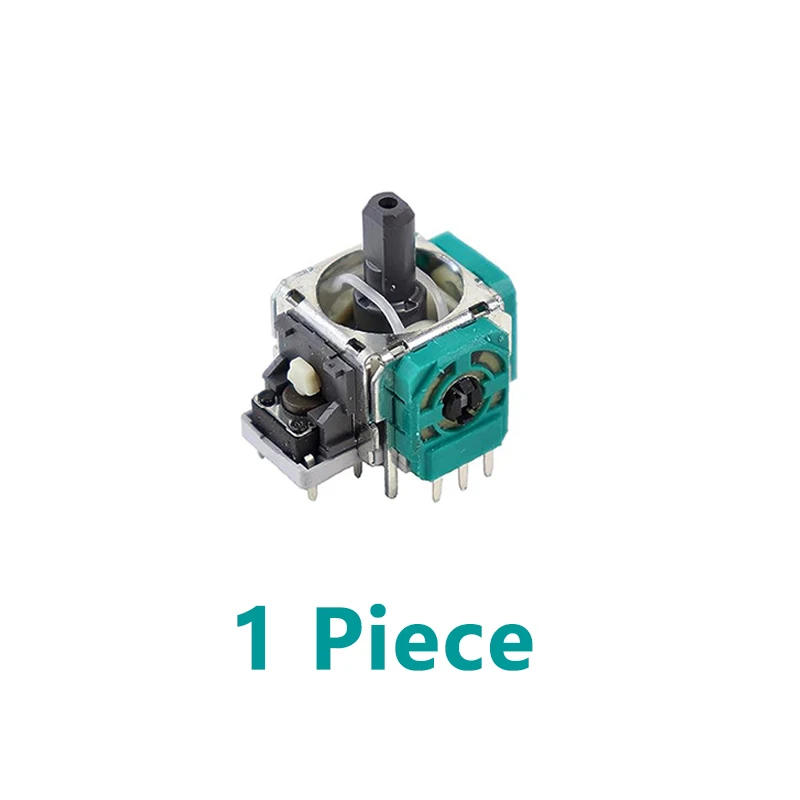
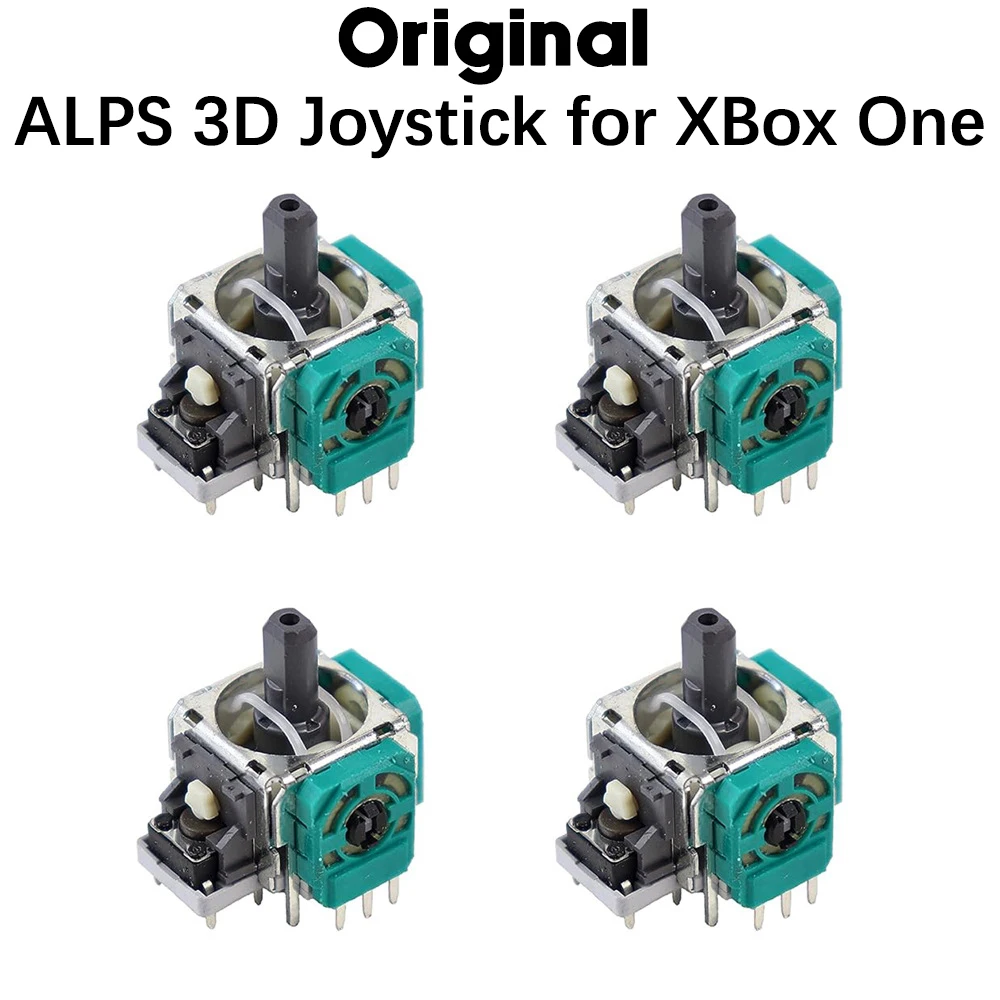
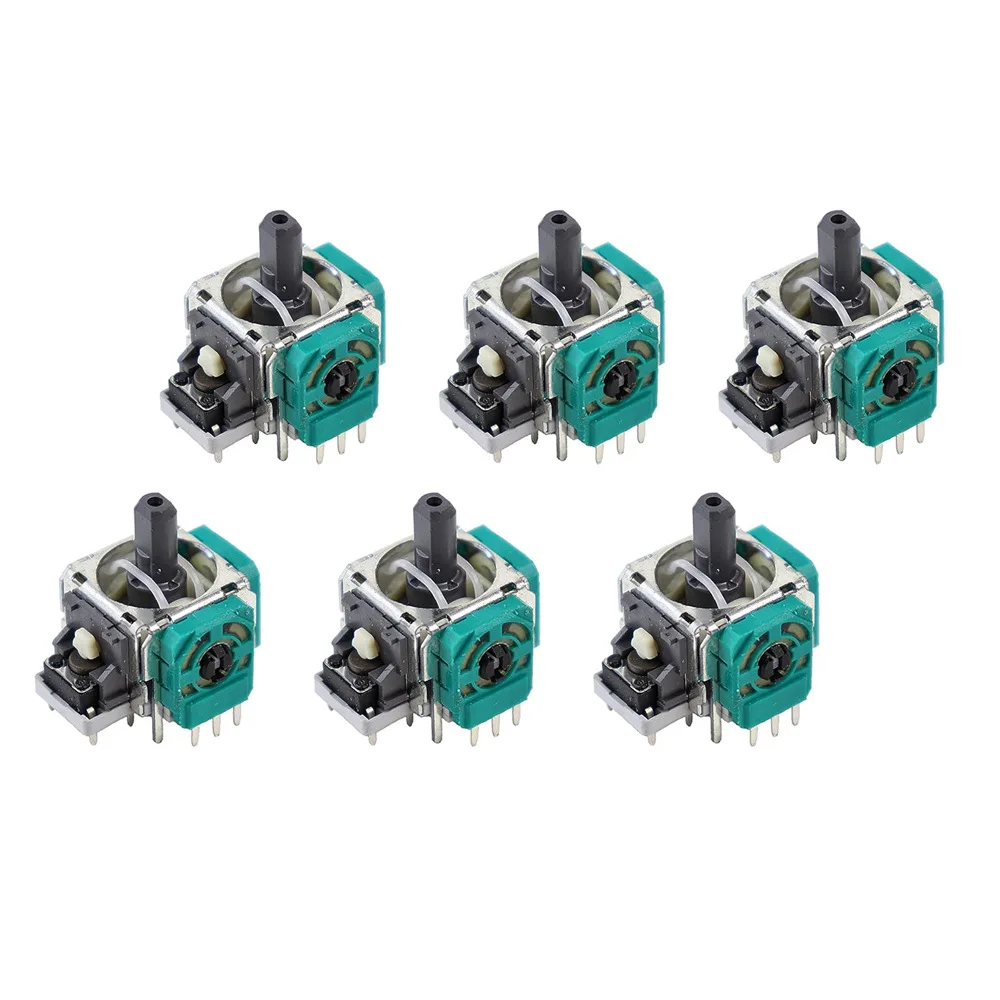
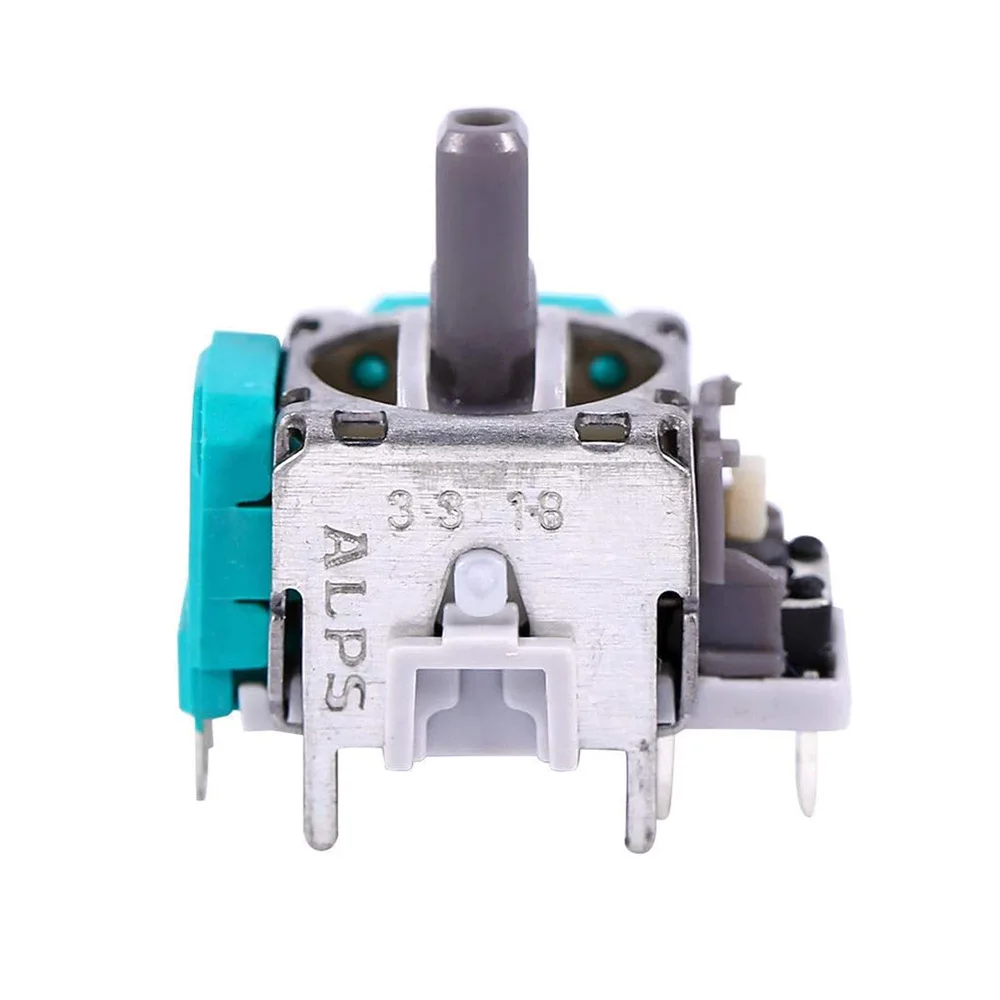
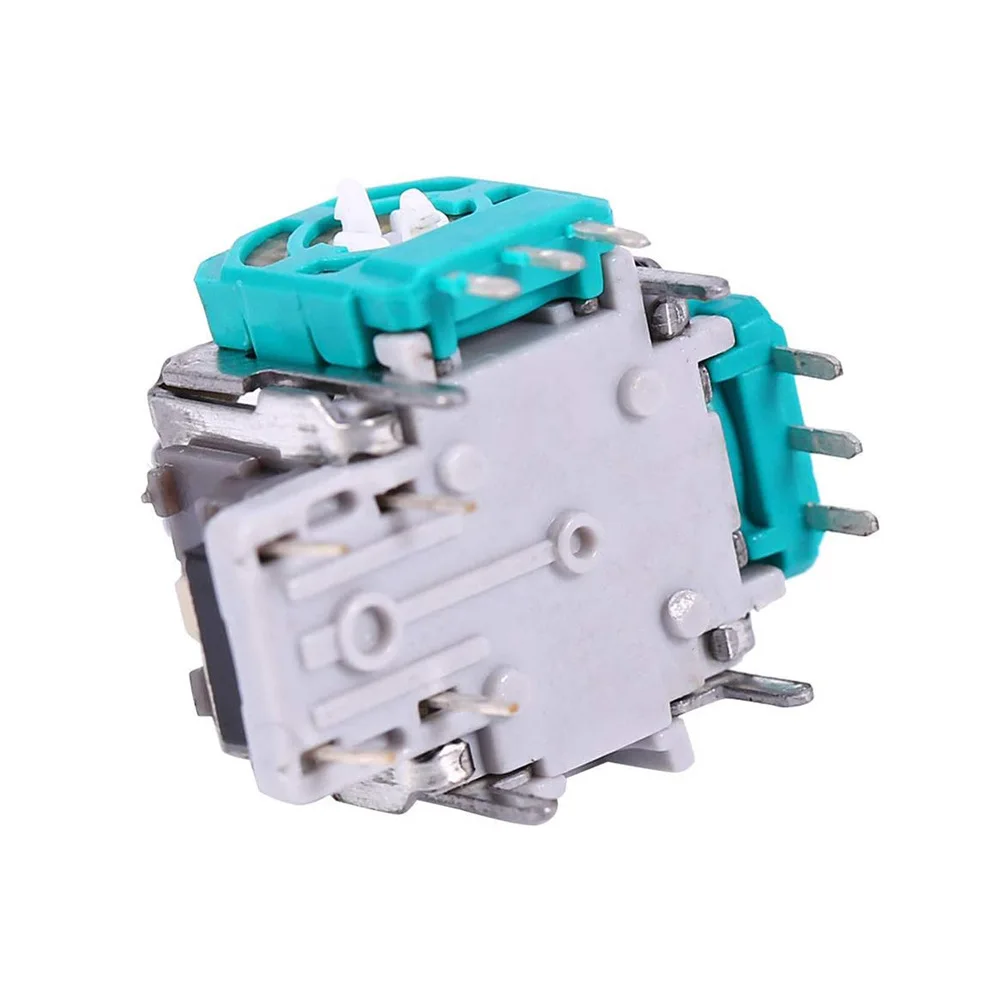
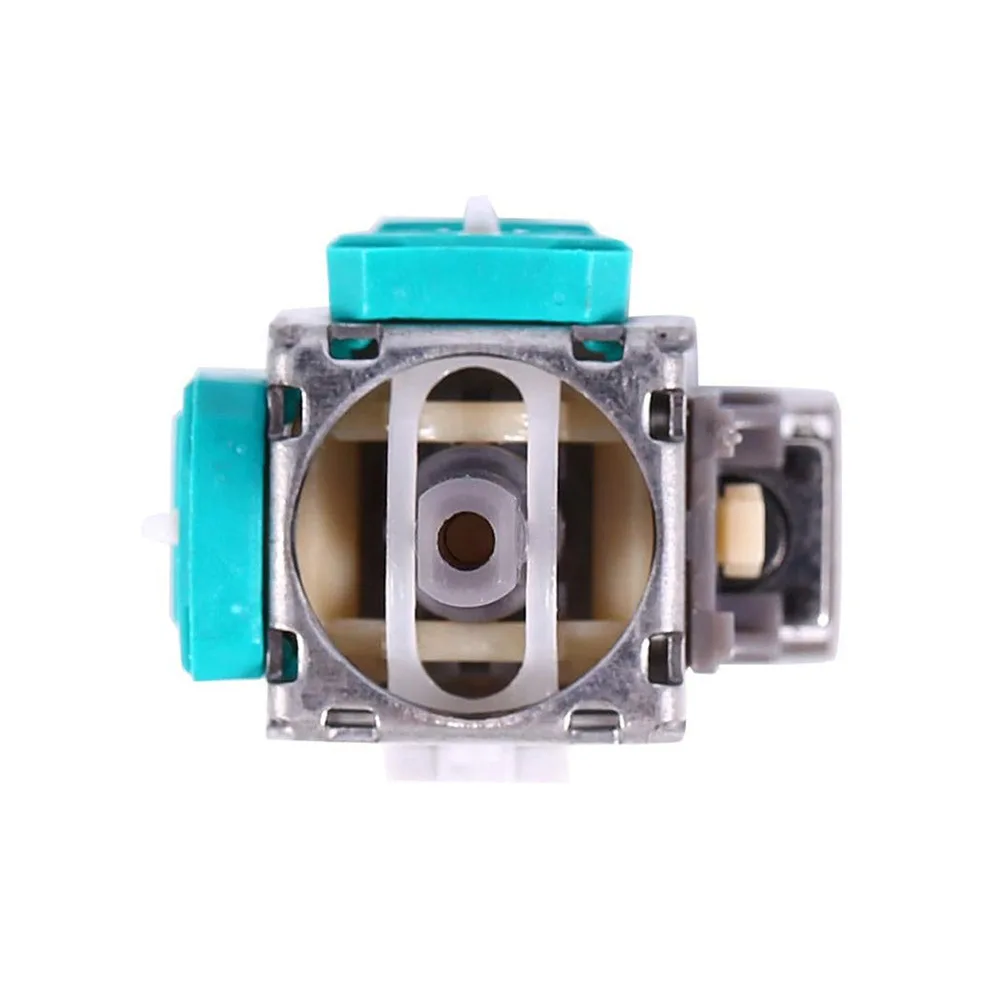
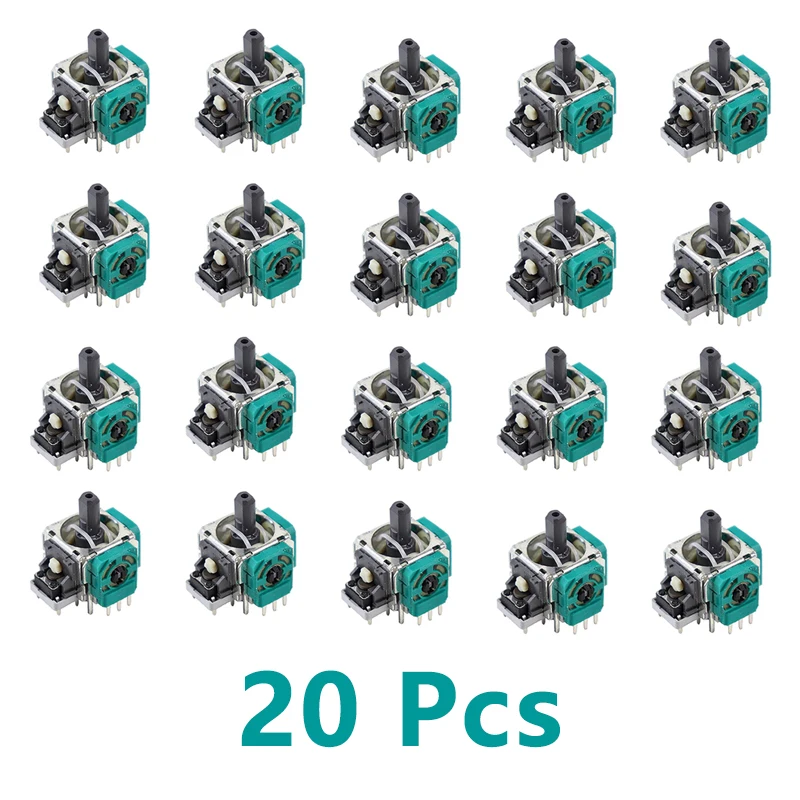
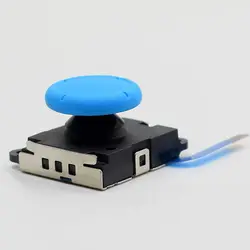
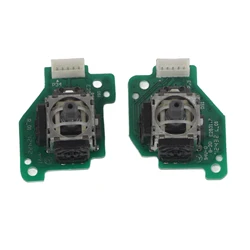
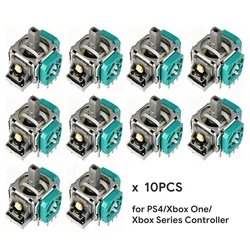
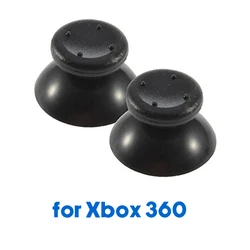
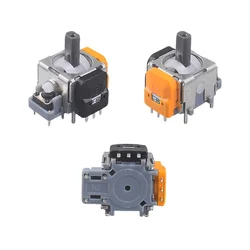
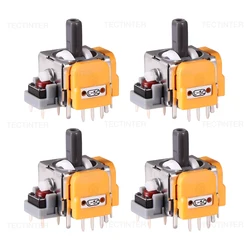
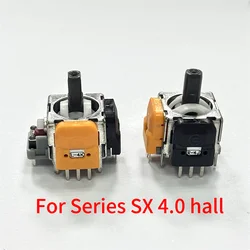
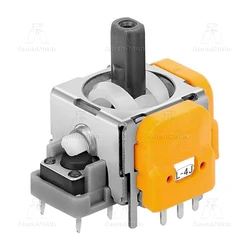
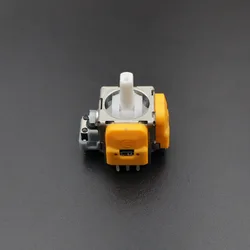
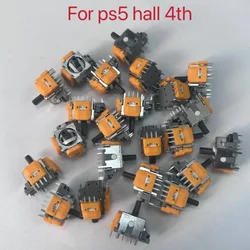
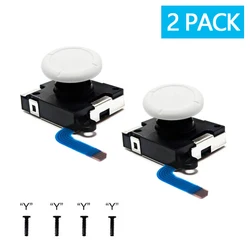
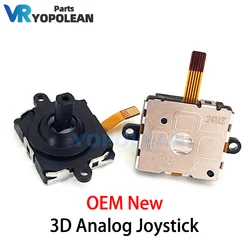
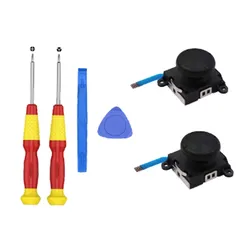
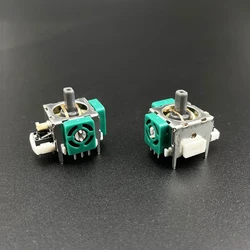
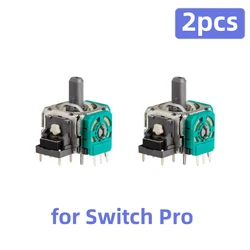
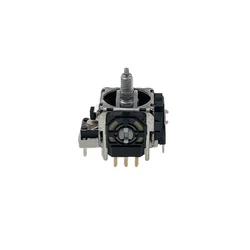
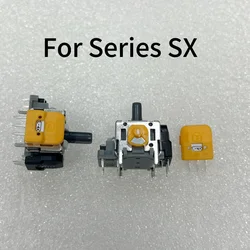
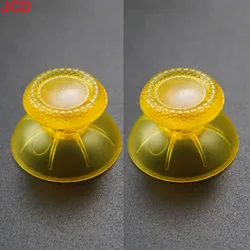
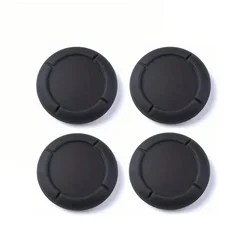
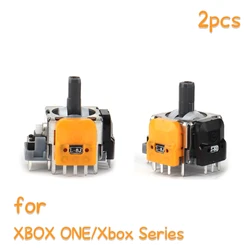
📏 Product Overview: Upgrade your gaming experience with the Original ALPS 3D Joystick designed for Xbox One, Xbox One Slim, Xbox One X, Elite Xbox Series S, and Xbox Series X controllers. This high-quality replacement joystick potentiometer is specifically engineered to restore precision and responsiveness to your gamepad, ensuring you get the most out of your Xbox gaming sessions.
🔧 Key Features:
- High-Quality Construction: The ALPS 3D Joystick is manufactured using premium materials to guarantee durability and long-lasting performance.
- Enhanced Precision: Restore the necessary feedback and movement accuracy your controller needs for competitive gaming and immersive play.
- Easy Replacement: Designed for straightforward installation, making it a perfect choice for DIY enthusiasts and gamers looking to enhance their controller without professional help.
💎 Calibration Guidance: After replacing the joystick, recalibration is crucial for optimal performance. Microsoft recommends using its Official Calibration Tool to ensure your controller is calibrated correctly. Follow these steps:
- For console users, access the guide and navigate to Settings > Devices & connections > Controllers & headsets, then launch the Xbox Accessories app.
- If you're on PC, download the Xbox Accessories app from the Microsoft Store, then connect your controller.
- Select the joystick needing calibration (left/right) and carefully follow the on-screen instructions to complete the process.
🪶 Advanced Calibration Options: For experienced users, additional calibration can be done through the Device Manager:
- Locate your controller in the Device Manager and right-click to select Properties.
- Navigate to the Driver tab, where you can manually adjust axis settings using the Game Controller Settings.
⚡ Important Considerations:
- Backup Configurations: Prior to recalibrating, ensure that you back up your controller settings to safeguard any personalized configurations.
- Steam Platform Adjustments: If gaming on Steam, tweak the Deadzone parameters in the settings post-calibration to refine your input sensitivity.
- Test & Validate: After recalibrating, engage in FPS games to thoroughly test the steering accuracy and overall functionality of your joystick.
- Know the Limitations: While helpful, calibration tools may not correct significant drift resulting from extensive wear or hardware issues. In such instances, consider controller replacement for the best performance.
🧩 Revitalize your gaming controller with the Original ALPS 3D Joystick, ensuring you maintain the competitive edge and enjoyment you expect from your Xbox experiences.