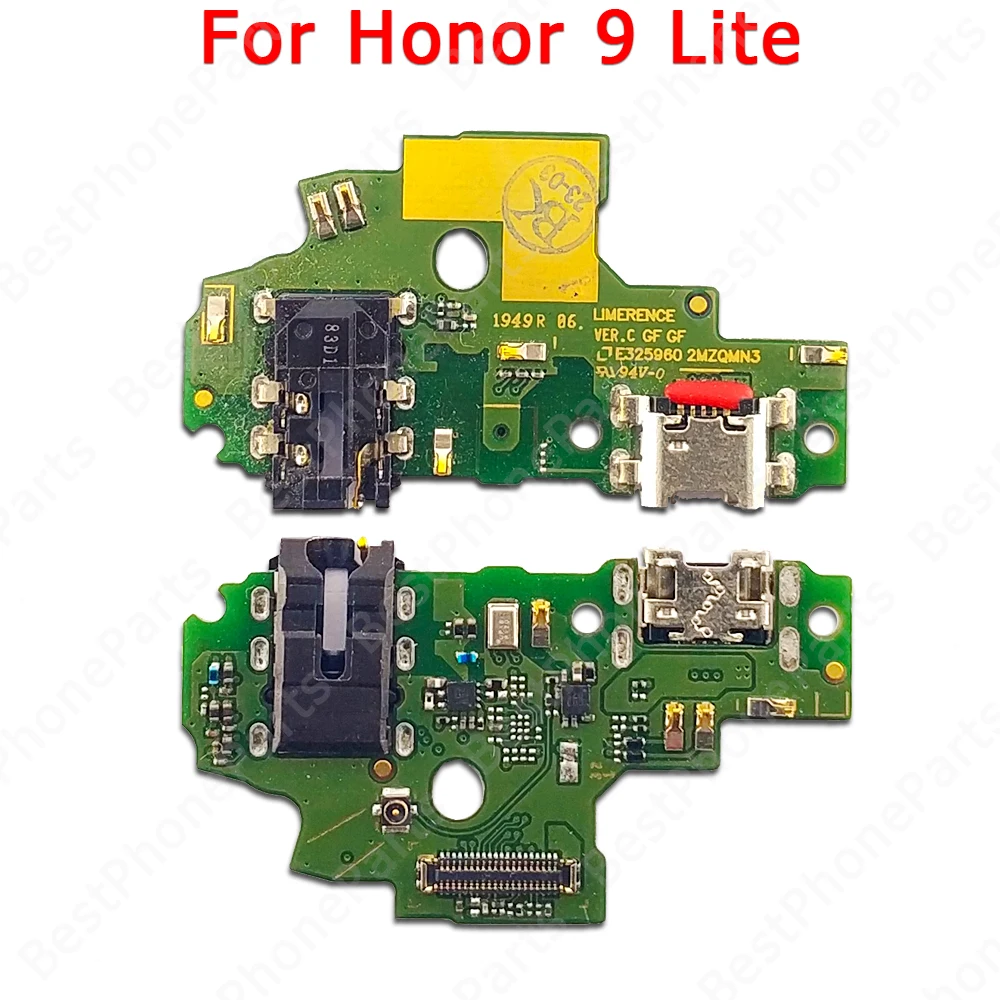
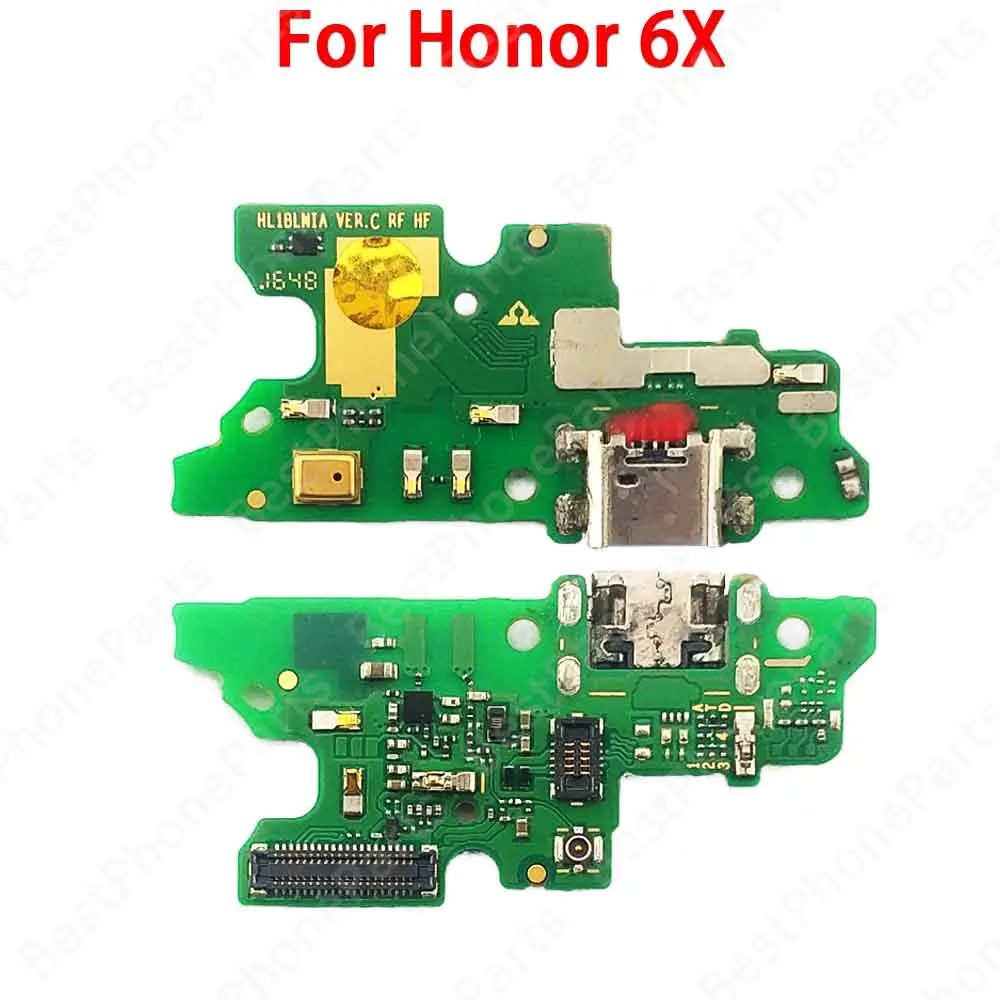
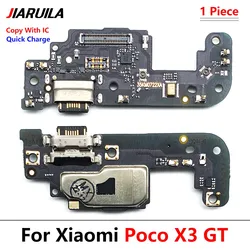
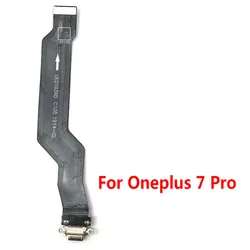
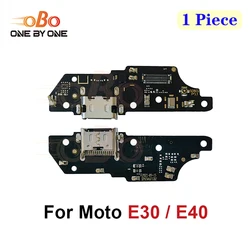
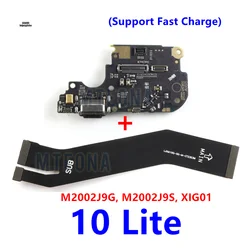
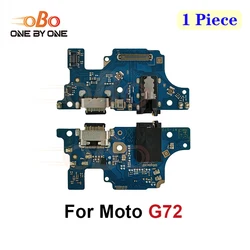
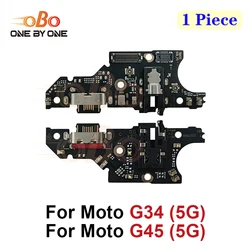
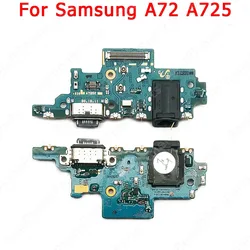
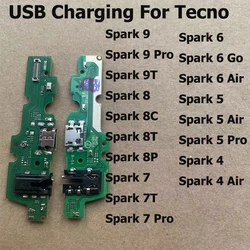
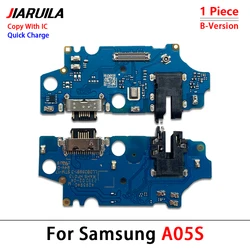
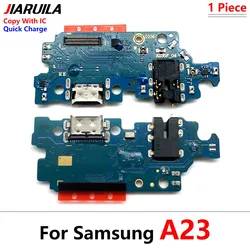
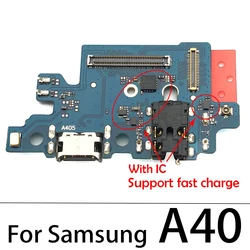
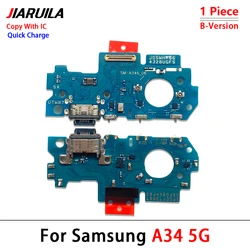
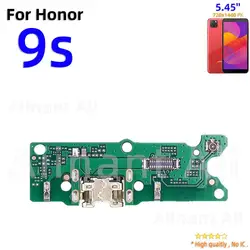
💎 Product Overview: Upgrade your Huawei smartphone experience with the premium USB Charging Port Dock Board Connector Flex Cable designed specifically for models such as the Honor 6X, 6C Pro, 8X, 8S (2019/2020), 9A, 8, 9, 10, and Lite. This essential component serves as the lifeline for your device, allowing for swift charging and data transfer while enhancing your audio experience through the built-in microphone.
🔧 Key Features:
- 100% Original Quality: Each unit is meticulously tested to ensure top-notch performance and reliability before it reaches your hands, providing you with peace of mind.
- Fast Charging Support: Experience efficient and speedy charging, minimizing downtime and keeping you connected when it matters most.
- OTG Data Transfer: Seamlessly transfer data on-the-go, ensuring that your files, photos, and media are easily accessible whenever needed.
- Integrated Microphone: Enjoy clear calling and voice recognition with the built-in microphone, making your communication effortless and effective.
🔍 Installation Instructions:
🧩 While this component is a fantastic addition to your device, proper installation is crucial for optimal functionality. We highly recommend seeking the assistance of a professional technician. However, if you're experienced with cellphone repairs, you can follow these detailed steps:
- Preparation: Ensure your device is powered off and remove the SIM and SD cards. Gather tools like picks and small Phillips screwdrivers to facilitate the process.
- Remove the Back Case: Carefully use a pick blade to detach the back cover, working along the edges without applying excessive force to prevent damage.
- Remove the Original Charging Pad: Locate the screws holding the charging pad in place. Use the Phillips screwdriver to loosen them, then gently lift the pad out, being cautious not to tug on any cables.
- Install the New Charging Pad: Position the new charging pad accurately, ensuring all connections and antennas are properly aligned. Transfer any rubber rings and patches from the old pad to avoid any issues.
- Secure the New Charging Pad: Finalize the installation by tightening all screws while being mindful of the internal structure to avoid any damage.
- Test Functionality: Once reassembled, power on the device and confirm that the new charging pad functions correctly. Ensure everything operates smoothly before daily use.
🔒 Important Notice: Exercise caution during disassembly and assembly to prevent accidental damage. Verify that all connections are secure to avoid any contact issues. Performing a thorough functional test after installation is vital to ensure everything is operating as intended.