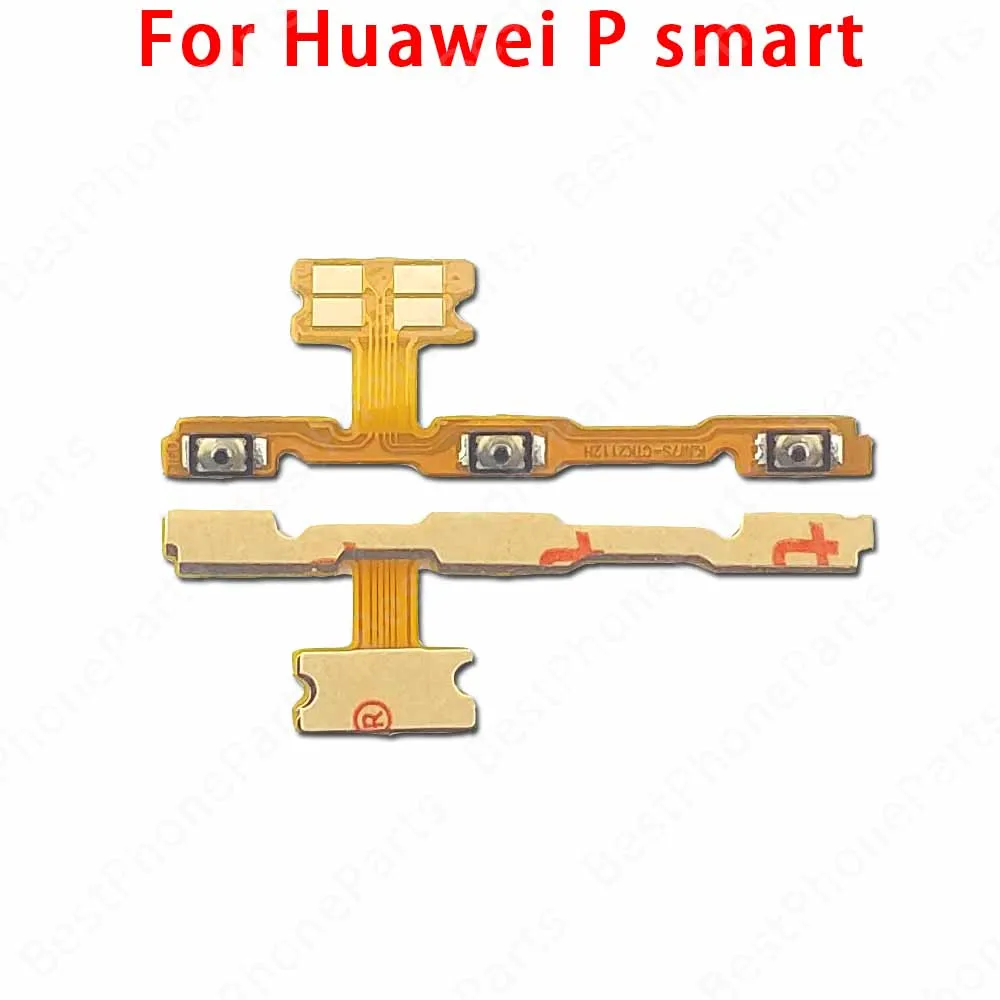
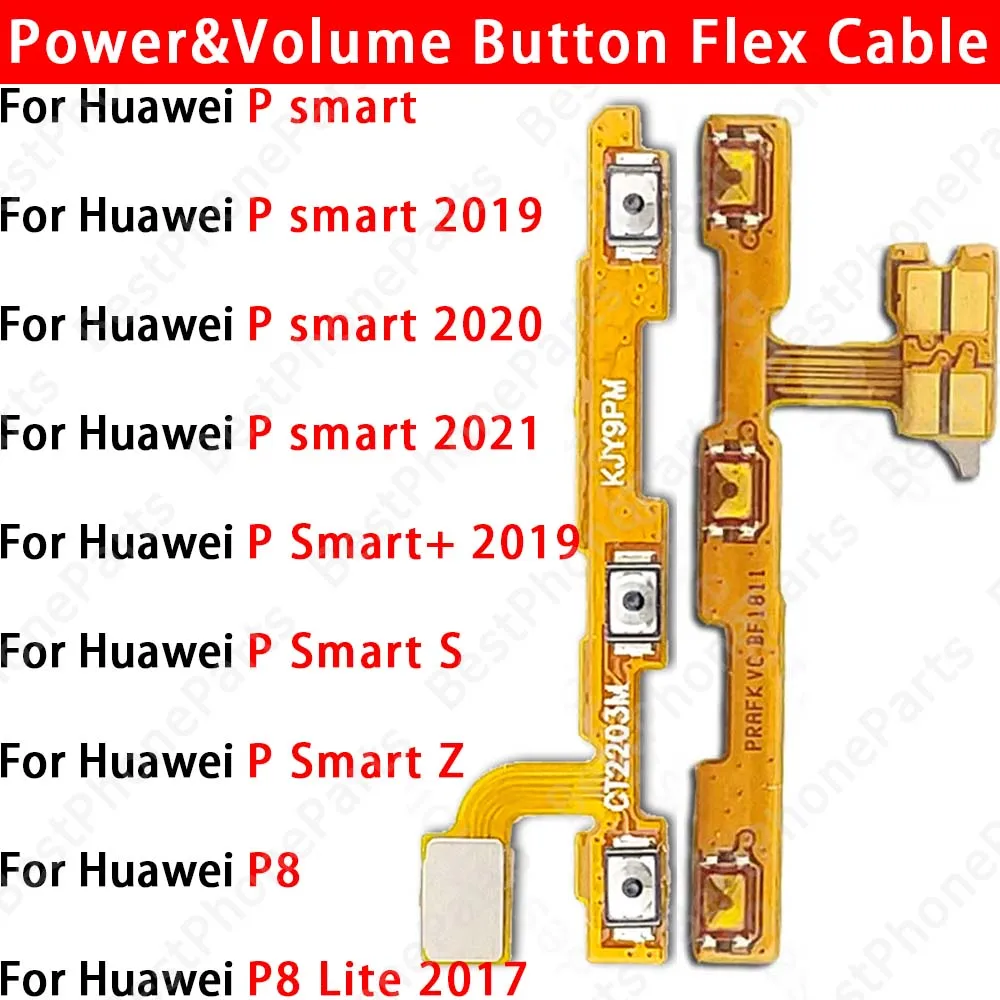
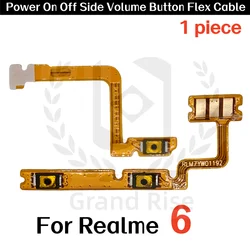
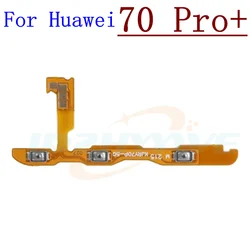
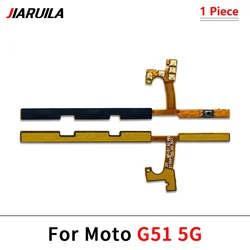
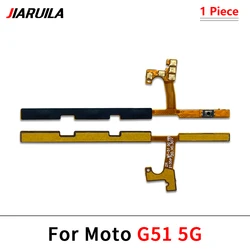
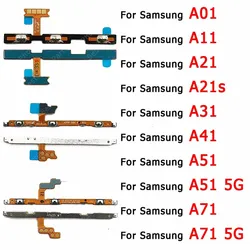
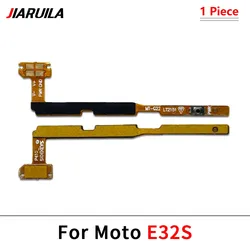
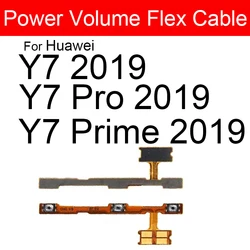
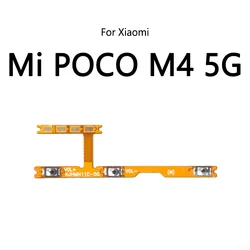
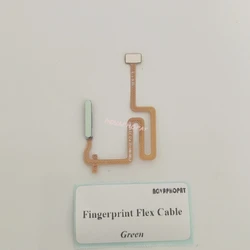
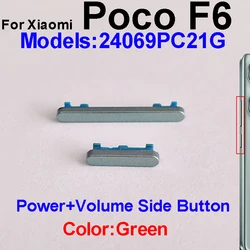
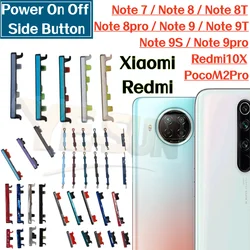
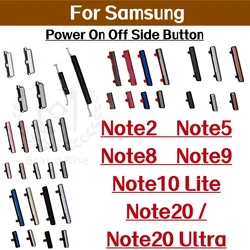
💎 Product Overview: Upgrade your Huawei P Smart series devices with our premium quality Power & Volume Button Flex Cable Parts, specifically designed for the Huawei P Smart S, Z, Smart+ Plus (2019), and P8 Lite (2017) models. This replacement part is essential for restoring the functionality of your device's power on/off and volume controls, ensuring a seamless user experience.
🏆 Quality Assurance: Each flex cable is 100% original and undergoes thorough testing, one by one, before it is made available. This ensures that you receive a reliable product that meets the highest standards of performance.
🔘 Installation Guidance: Please follow this step-by-step installation guide to ensure proper replacement of your device's Power & Volume Button flex cable:
- Prepare Your Tools: Collect all the necessary tools, such as precision screwdrivers, tweezers, and phone opening tools. This preparation will help make the disassembly process smooth and efficient.
- Remove the Phone Case: Carefully detach the phone case using the appropriate opening tools. It's crucial to apply gentle pressure to avoid damaging any internal components.
- Locate the Flex Cable: Identify the connectors for the Power and Volume Button flex cable on the device's motherboard. These are typically found on the main circuit board.
- Disconnect the Existing Cables: Gently disconnect the old cables from the connectors. Take extra caution not to exert too much force to prevent any damage to the connectors or cable.
- Clean the Connectors: Use a clean cloth or cotton swab to carefully clean the connectors. This step is crucial to eliminate any dust or debris that could interfere with the new cable connection.
- Install the New Cable: Connect the new Power & Volume Button Flex Cable to the original connector. Make sure the connection is secure and that the cable is not loose.
- Reassemble the Device: Reattach the phone case and all other components in the reverse order of disassembly. Ensure that everything fits snugly and is correctly aligned.
- Test Functionality: Power on your device and test to confirm that the power and volume buttons are functioning correctly. If you encounter any issues, recheck the cable connections and connectors.
🔒 Important Note: When performing any repair or replacement on your phone, patience is critical. Employ the right tools and techniques to prevent further damage. If uncertain at any stage, consider seeking assistance from a professional technician to ensure a successful installation and maintain the integrity of your device.