
Telefonfall
Laddare och kablar
Spelande
Prylar
Fodral för surfplattor och iPad
Ditt konto
Språk
Företag
Telefondata
Kontakta oss
4.1 Google Shopping Betyg Över 2 miljoner kunder sedan 2013 Baserad i Europa Gratis leveransorder över €20+

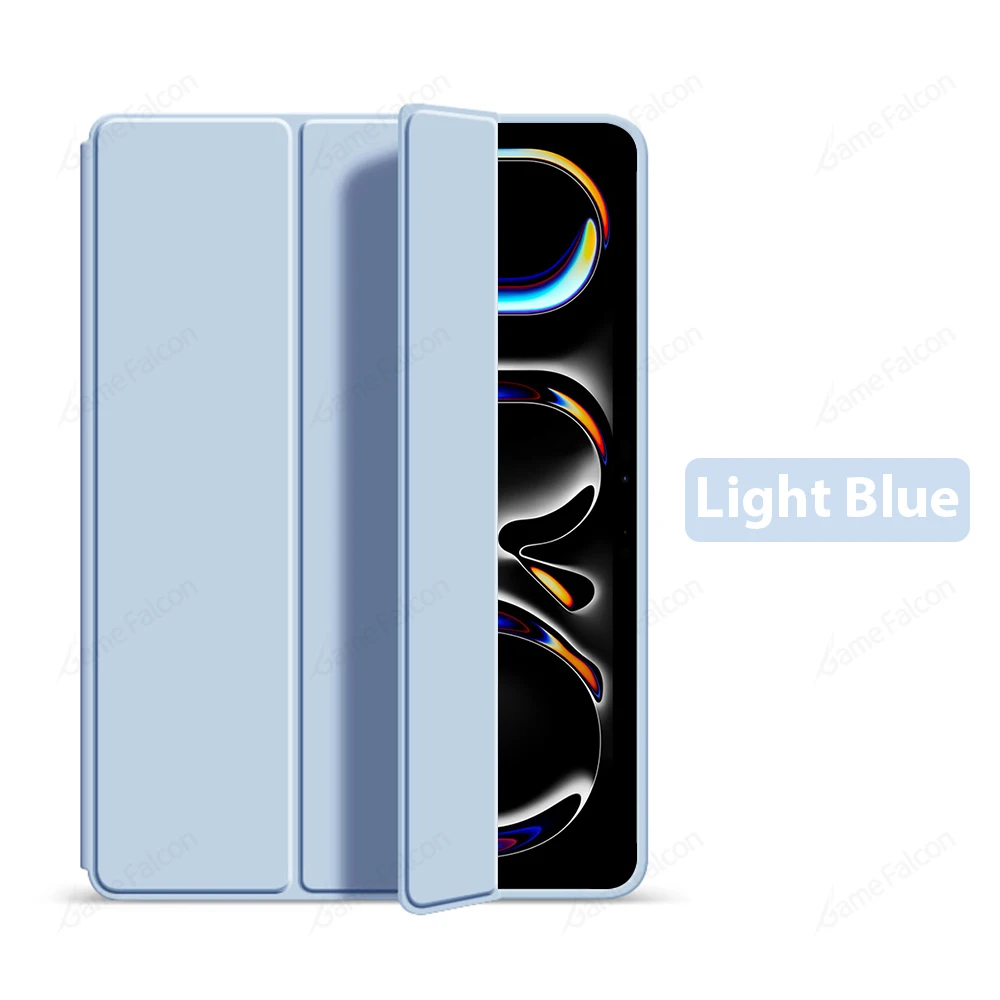
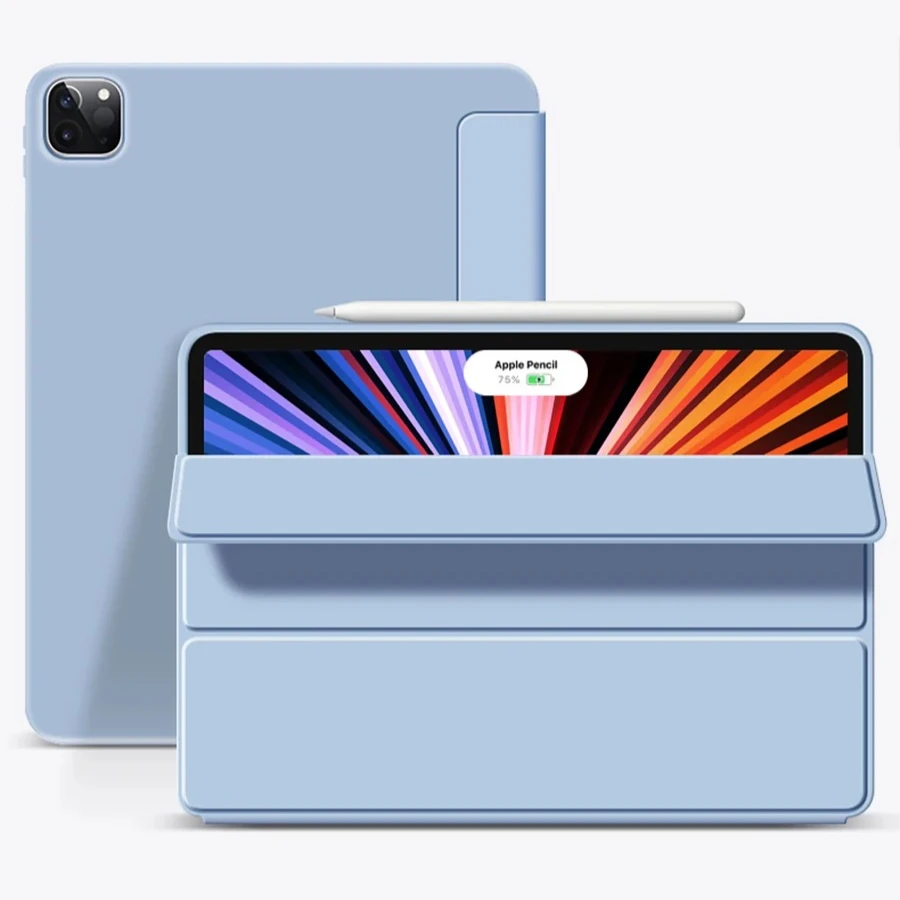
Trifold Stand Soft TPU Tablet Case with Flip Cover for iPad Air 11 M3 2025 (Light Blue)

Trifold Stand Soft TPU Tablet Case with Flip Cover

Product Overview:

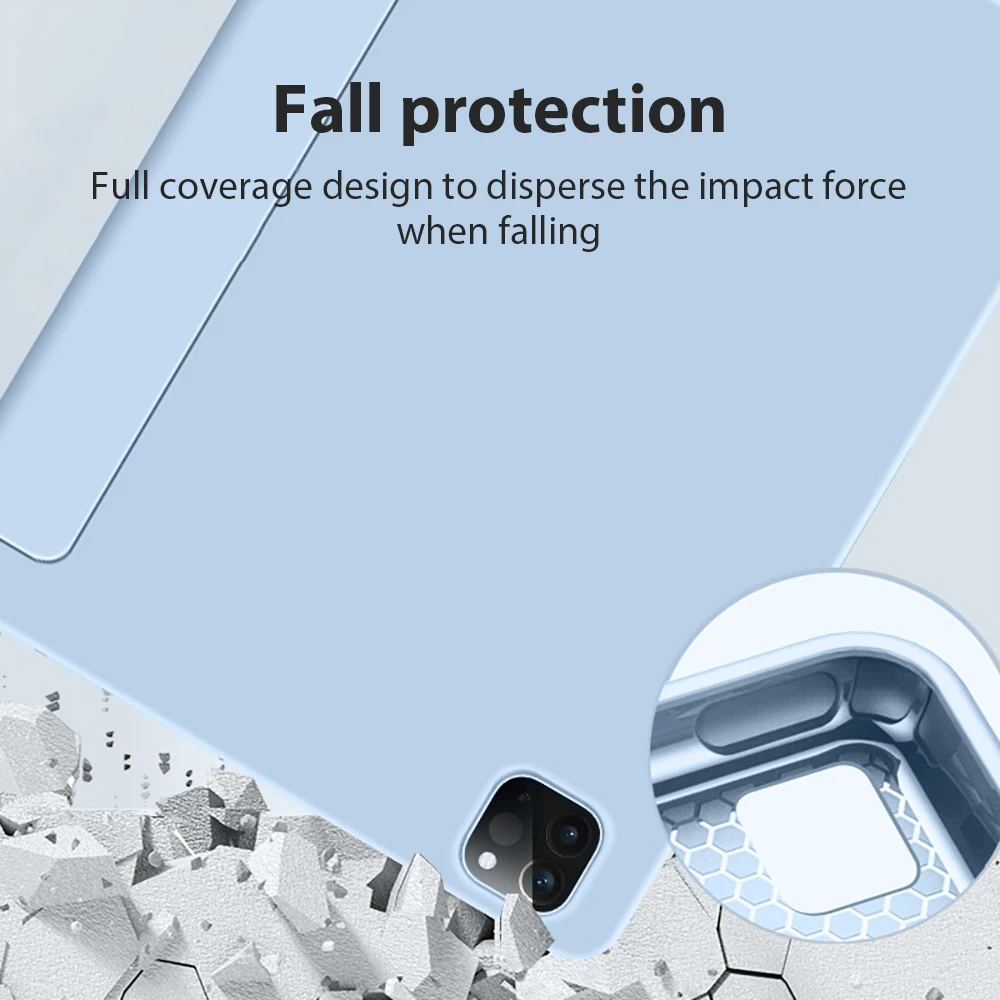
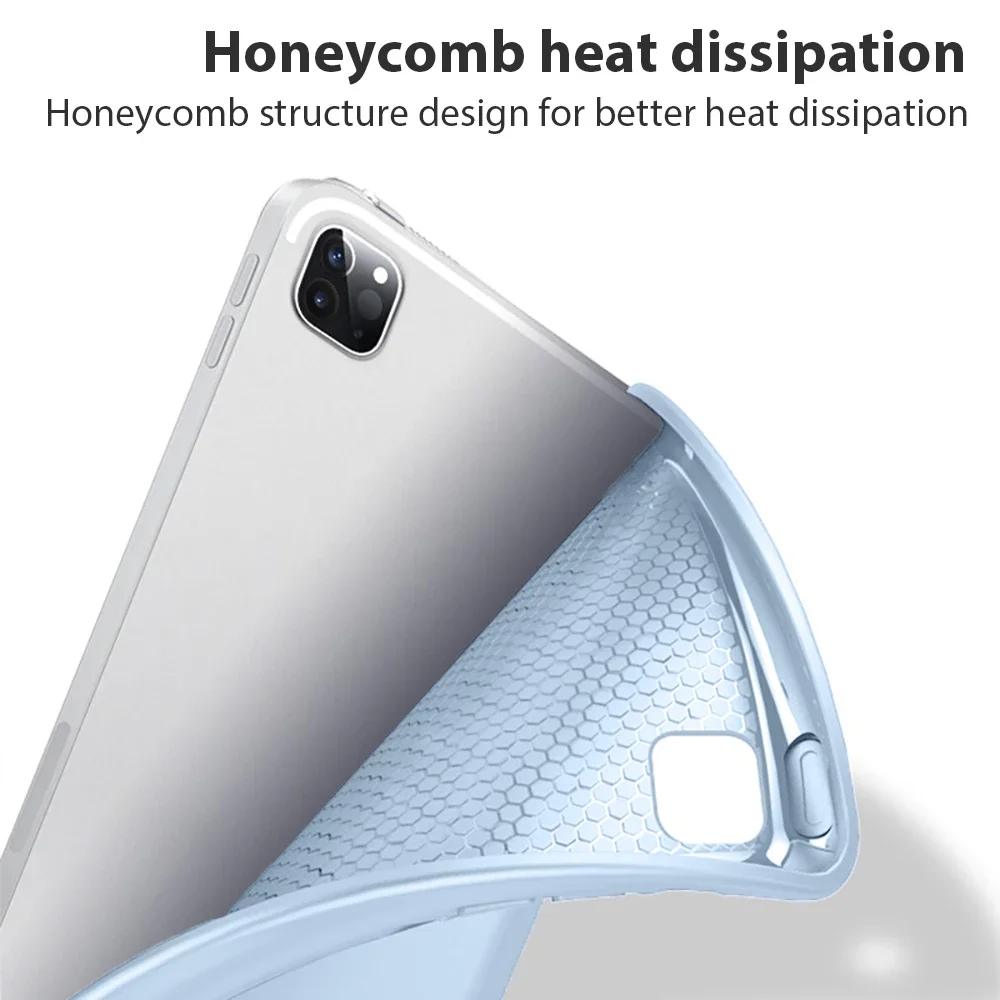
🧩 Introducing a versatile and sleek case designed specifically for the iPad Pro 11 and iPad Air 11 models. This flip trifold stand case is crafted from soft TPU material, ensuring your device is safeguarded while maintaining an elegant look. Compatible with multiple generations of iPad Pro 11 (from 2018 to 2024) and iPad Air 11 (2024 and 2025), this case is tailored to fit seamlessly with your devices.

Compatibility:

This case is meticulously designed to accommodate the following models:

  • iPad Pro 11 inches (2018): A2013, A1934, A1980, A1979
  • iPad Pro 11 inches (2020): A2068, A2230, A2228, A2231
  • iPad Pro 11 inches (2021): A2301, A2459, A2460
  • iPad Pro 11 inches (2022): A2435, A2761, A2762, A2759
  • iPad Pro 11 inches (2024 M4): A2837, A3006
  • iPad Air 11 inches (2024 M2): A2903, A2904, A2902
  • iPad Air 11 inches (2025 M3): A3267, A3270, A3266

⚡ Important Features:

🧲 This protective cover includes a smart wake/sleep functionality, ensuring your iPad is ready when you are, although it does not possess magnetic properties. Please note that there may be a color variation between the displayed images and the actual product. We recommend referencing the received product's color for the true representation.

Model Matching:

🌟 Every iPad model is unique; thus, it is crucial to select a case that corresponds directly to your specific model. If you have difficulty identifying your device, consult the following methods to find your serial number:

  • Access your device's settings: Navigate to Settings > System > About Tablet > Model > Serial Number.
  • Check the retail packaging: The serial number is usually printed on the back of the box.
  • Look on your device's back cover: A label with the serial number can be found there.

🆘 If you need assistance in selecting the correct model, do not hesitate to reach out to the seller for guidance.