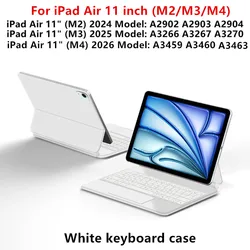
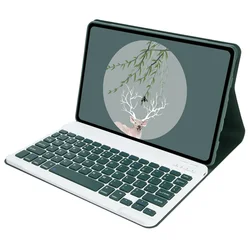
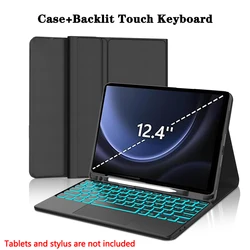
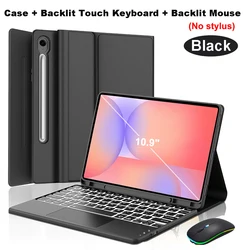
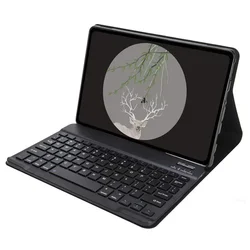
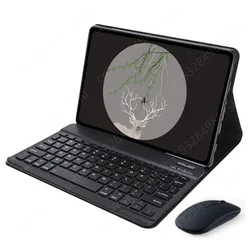
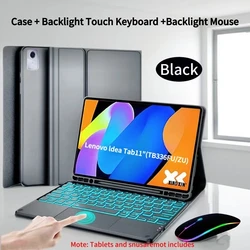
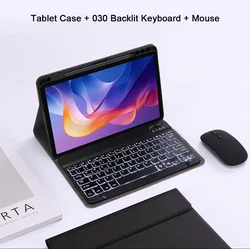
360° Rotating Case for iPad 11 (2025 Model, A16)
💎 Transform your iPad into a versatile workstation with our expertly designed 360° Rotating Case specifically for the iPad 11th Generation A16 (2025). This premium case not only protects your device but also enhances productivity with its detachable keyboard feature.
🔧 Key Features:
- Advanced Bluetooth-Compatible Technology: Equipped with standard 3.0 Bluetooth-compatible solution for a seamless connection.
- Designed Exclusively for iPad 11th A16 (2025): Tailored to fit the dimensions and specifications of the iPad 11-inch tablet.
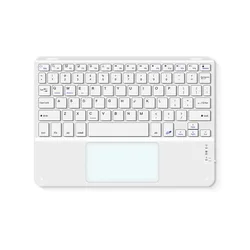
- Detachable Keyboard: Enjoy the flexibility of detaching the keyboard when not in use, allowing for a lightweight and portable experience.
- Integrated Pencil Holder: Features a built-in slot for your Apple Pencil, complete with cap and adapter storage, ensuring you have all your essentials at hand and organized.
- 360° Rotation: The innovative design allows you to effortlessly rotate your device to a full 360°, providing multiple viewing angles for both vertical and horizontal use.
🕊️ Specifications:
- Connection Mode: Bluetooth-compatible (Version 3.0)
- Battery: Rechargeable lithium battery for convenient and wireless use.
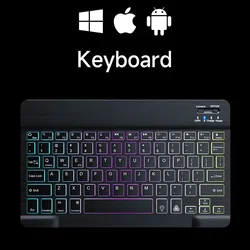
- Keyboard Standard: Full-featured Bluetooth-compatible keyboard designed for ease of typing.
📶 Touchpad Functionality:
🧩 To activate the touchpad mouse functionality, navigate to Settings -> Accessibility -> Touch -> AssistiveTouch -> enable AssistiveTouch. You can also adjust the touchpad speed by going to Settings and looking for the Touch or Mouse options.
Keyboard Connection Instructions:
- Power on the keyboard by pressing the "on" button.
- Simultaneously press the "FN + C" keys to initiate pairing.
- On your tablet, enable Bluetooth-compatible and scan for devices.
- Locate the keyboard in your devices list and click "Connect".
🔘 Note: Tablet and stylus pen depicted in the images are not included with the case.